Newsletter
Korhex Positioning Guide: How to Get the Best Connection
Matched product:
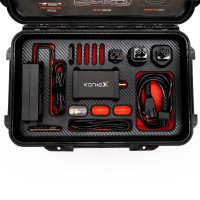
Auto 5% OFF [EU Ship] FLEX Korhex Boot Glitch and MCU Access Tool Work with Flex
£1,899
- Item No. SE198
- Free Shipping
Korhex is a FLEX hardware solution designed to simplify access to protected ECUs on supported devices through Boot Glitch technology. It works directly on the MCU, reducing preparation and physical handling. Simply position it on the designated MCU contact point and let FLEX guide the process.
Add to Cart to Get 5% Off Automatically!
Add to Cart to Get 5% Off Automatically!
Learn how to align your Korhex correctly with the ECU, use the Flex software contact point, and avoid common positioning mistakes.
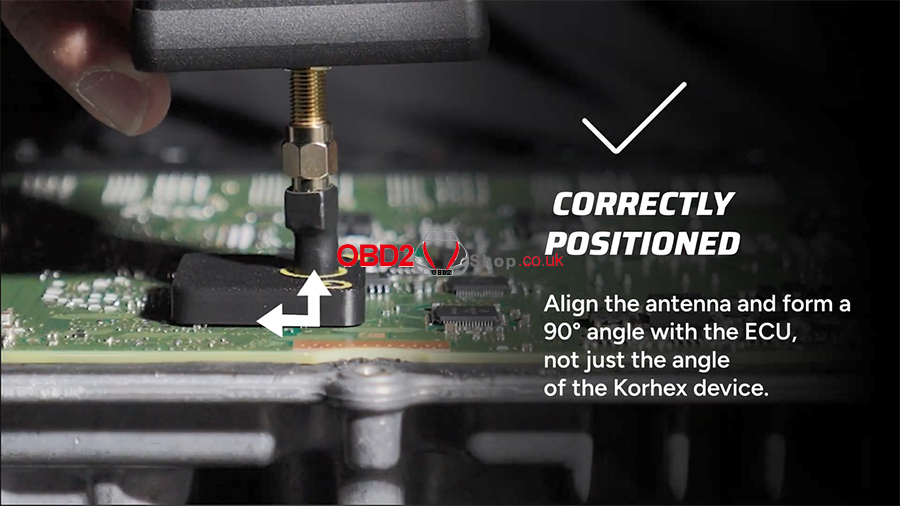
Using a high-performance tool isn't an everyday task, but with the right tips, it can become part of your daily routine. Even a small positioning detail can make a significant difference in glitch execution. This guide covers how to position your Korhex correctly.Step 1: Align the Antenna at 90° to the ECU
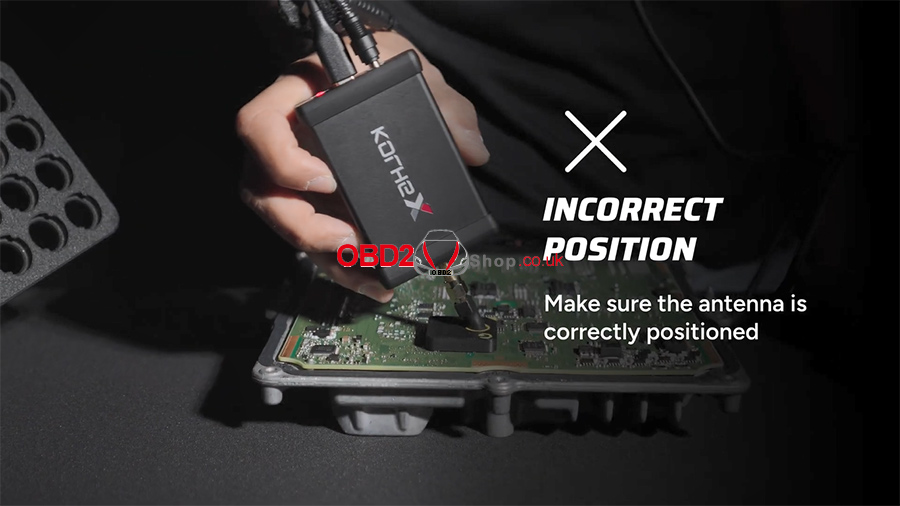
Align the antenna so it forms a 90° angle with the ECU, not just the Korhex device itself.
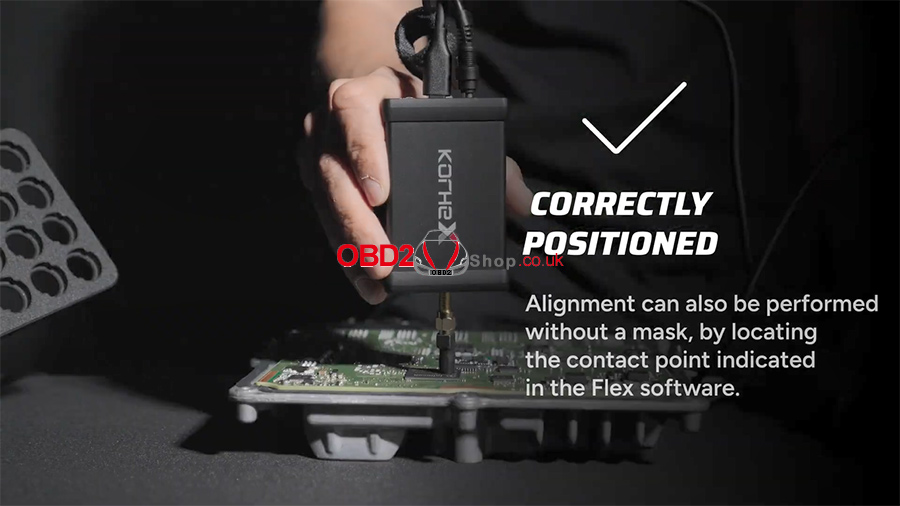
Step 2: Align Without a Mask (Optional)
Alignment can also be performed without a mask by locating the contact point indicated in the Flex software.
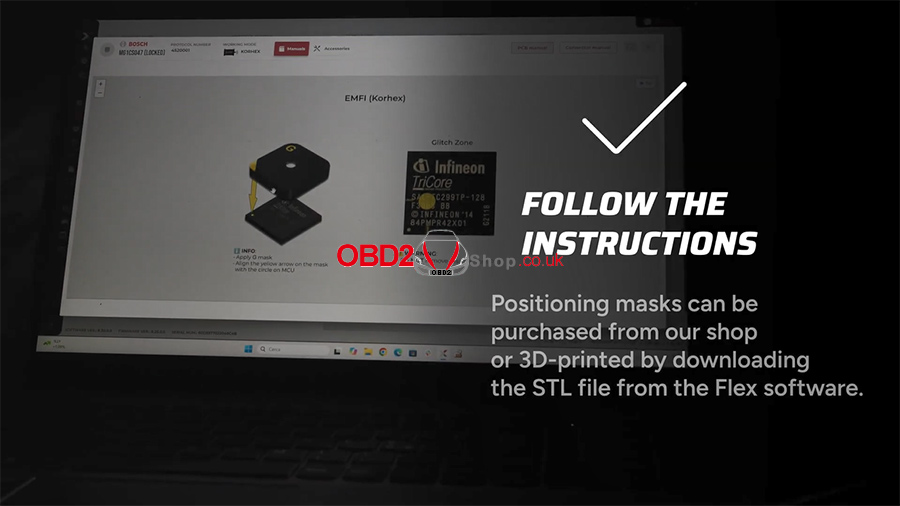
Step 3: Use a Positioning Mask (Optional)
Positioning masks can be purchased from our shop or 3D-printed by downloading the STL file from the Flex software.
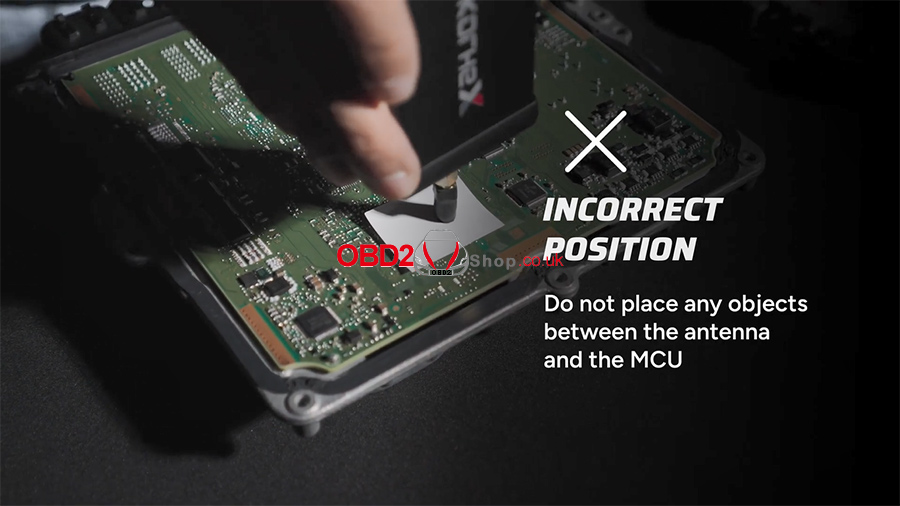
Incorrect Positioning
Avoid positioning the antenna as shown below.
Need more help? Visit www.obd2shop.co.uk.