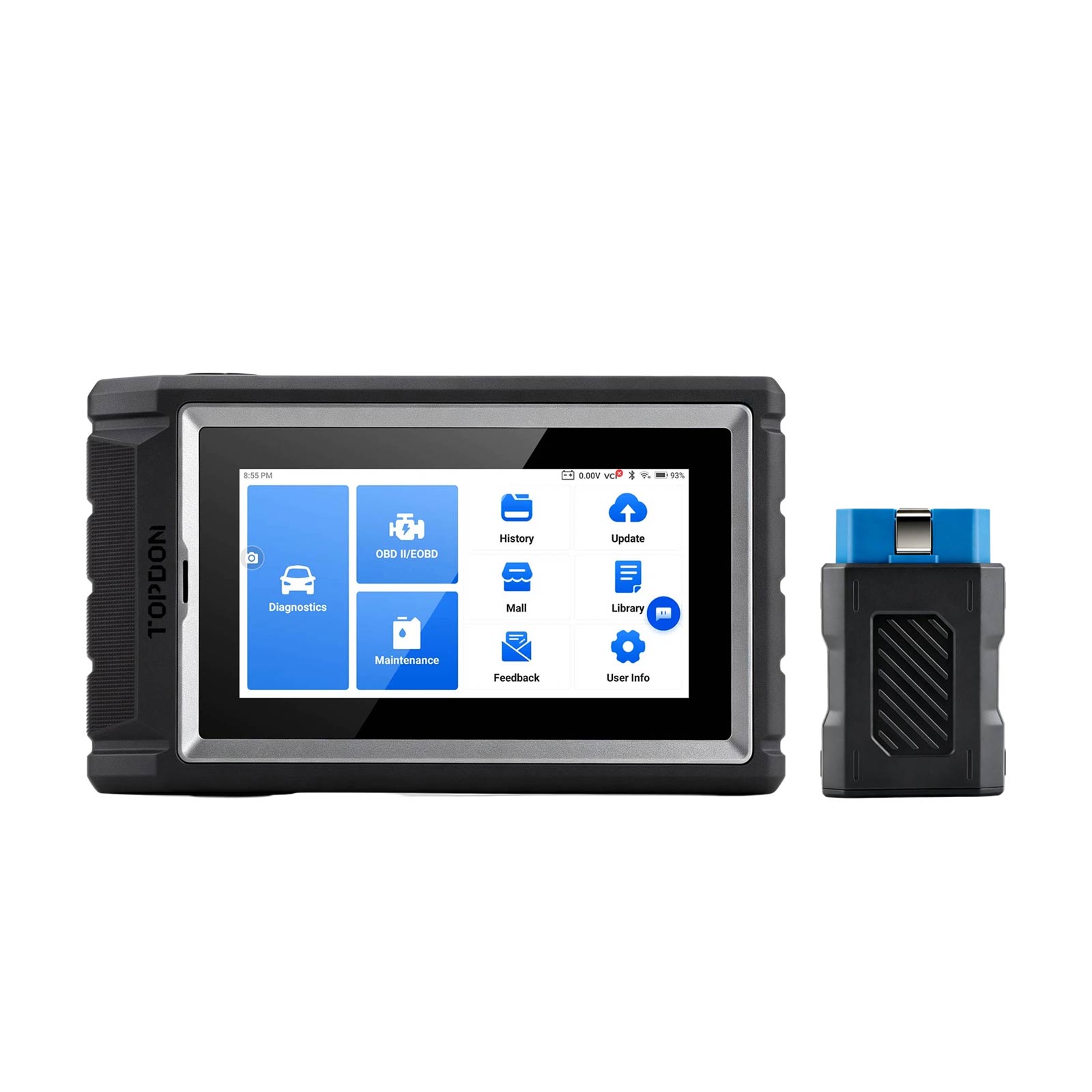
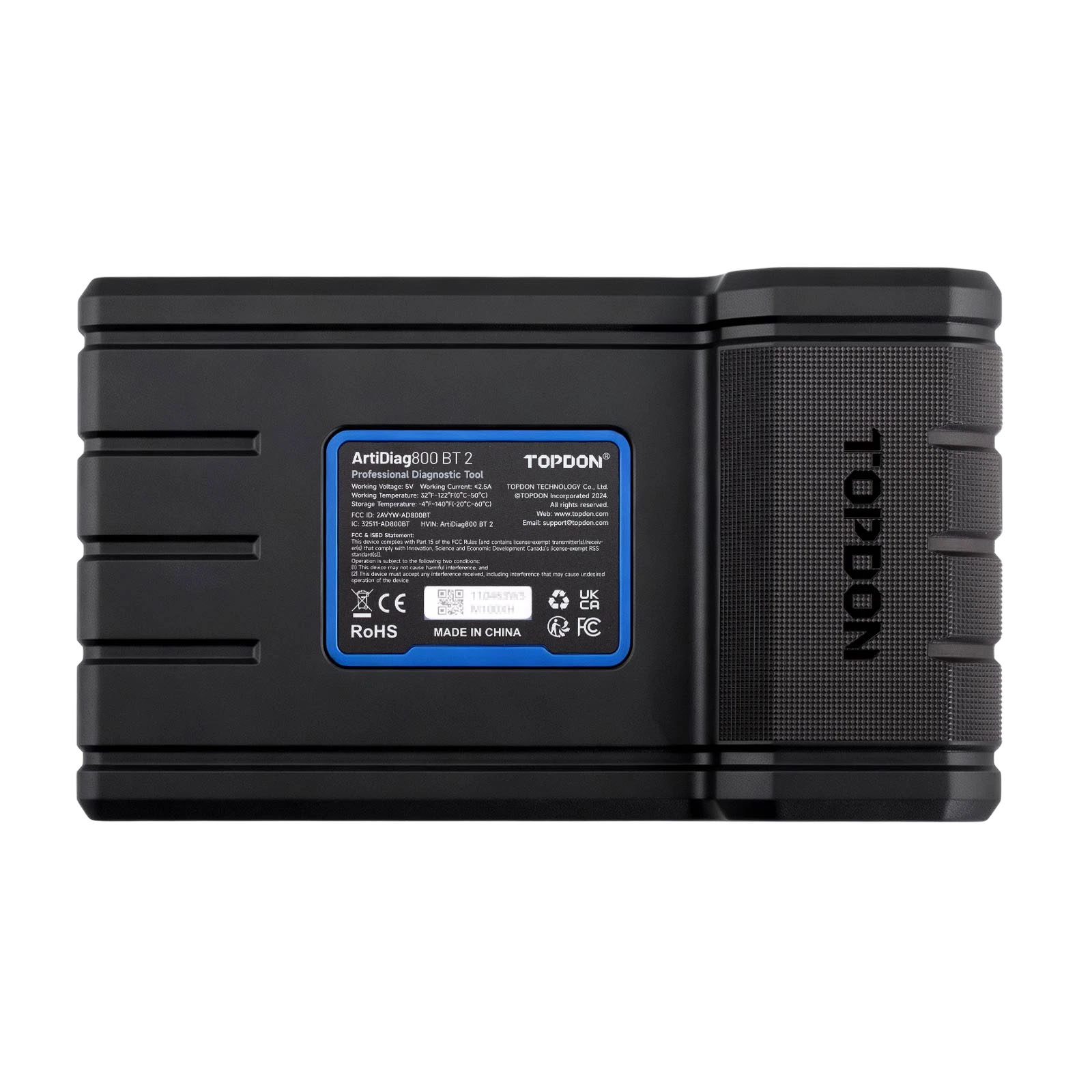


TOPDON Artidiag800 BT 2 Artidiag 800 BT2 Mid-level Diagnostic Tool Supports Active Test Function and 28 Maintenance Service Life Time Free Update


![[UK/EU Ship] TOPDON Artidiag 600S Mid-level Diagnostic Tool Supports 9 Maintenance Services AutoVIN Technology with Lifetime free update](/upload/pro-xs/26061117811700652953.jpg)
![[UK Ship] TOPDON ArtiDiag Pro V2.0 Mid-level Full System Diagnostic Tool Supports 35 Maintenance Services with 2 Years of Free Software Updates](/upload/pro-xs/26061817817952582857.jpg)
1, FLEX Korhex Boot Glitch
2, KEYDIY KD X6 Arrive End of November !
3, [Pre-order] ALIENTECH KESS3 Unlock Module
TOPDON Promotion
1, Buy TOPDON ONE Plus Get 1 Year Free Gateway and & free TOPDON CT100
2, Buy TOPDON ONE, ONE Lite Get 1 Year Extra Update, 2 Years Free Update in Total
Whatsapp +86 13983755934
Product Description
TOPDON Artidiag800 BT2 Mid-level Diagnostic Tool
Important note: not for sale in Norway, Mexico, or Turkey.
TOPDON Artidiag800 BT2 Advantages:
- Support Lifetime Free Update, No Annual Fee
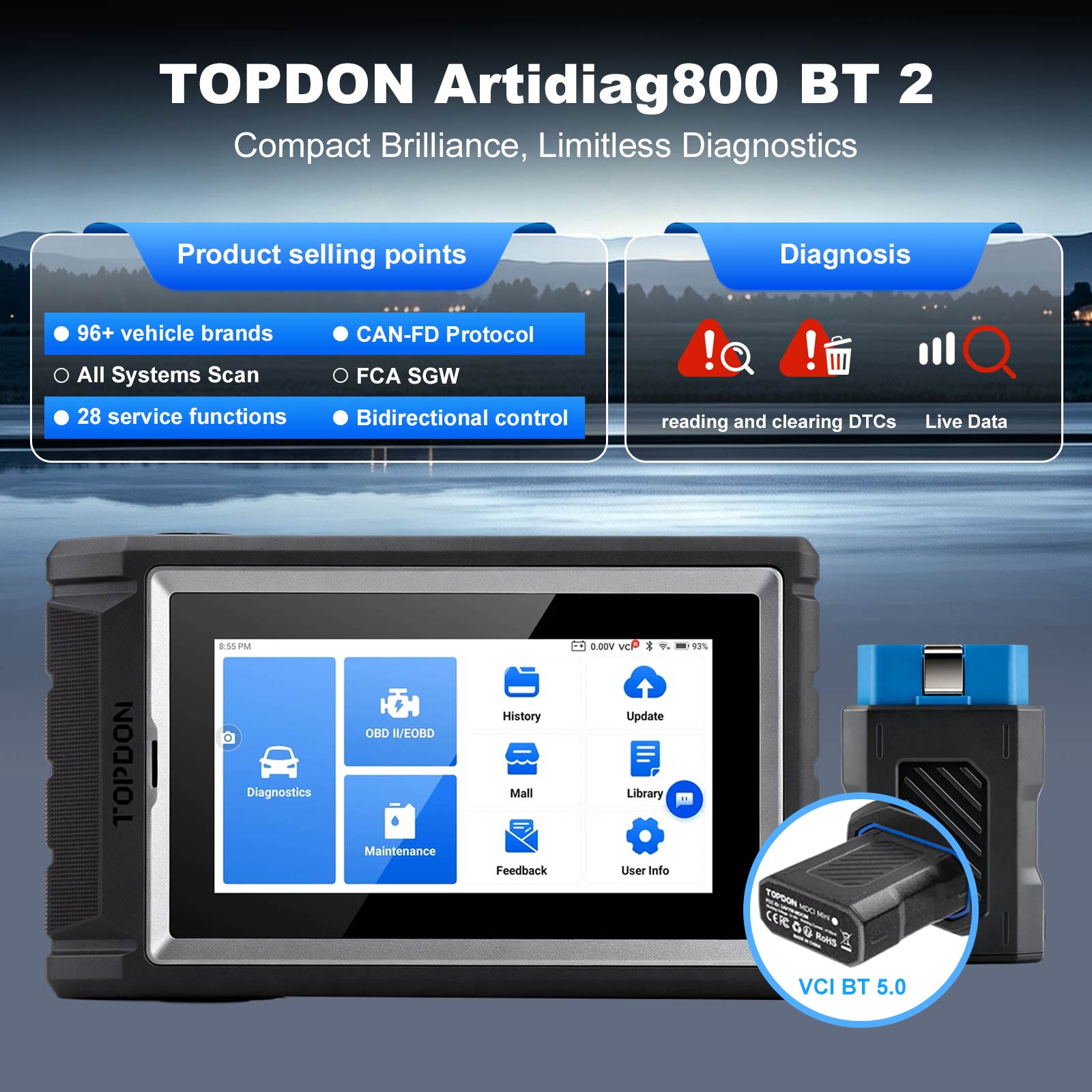
- Add Active test function, support CAN FD
- RAM update to 64G
- 110+car brands
- All System Diagnosis
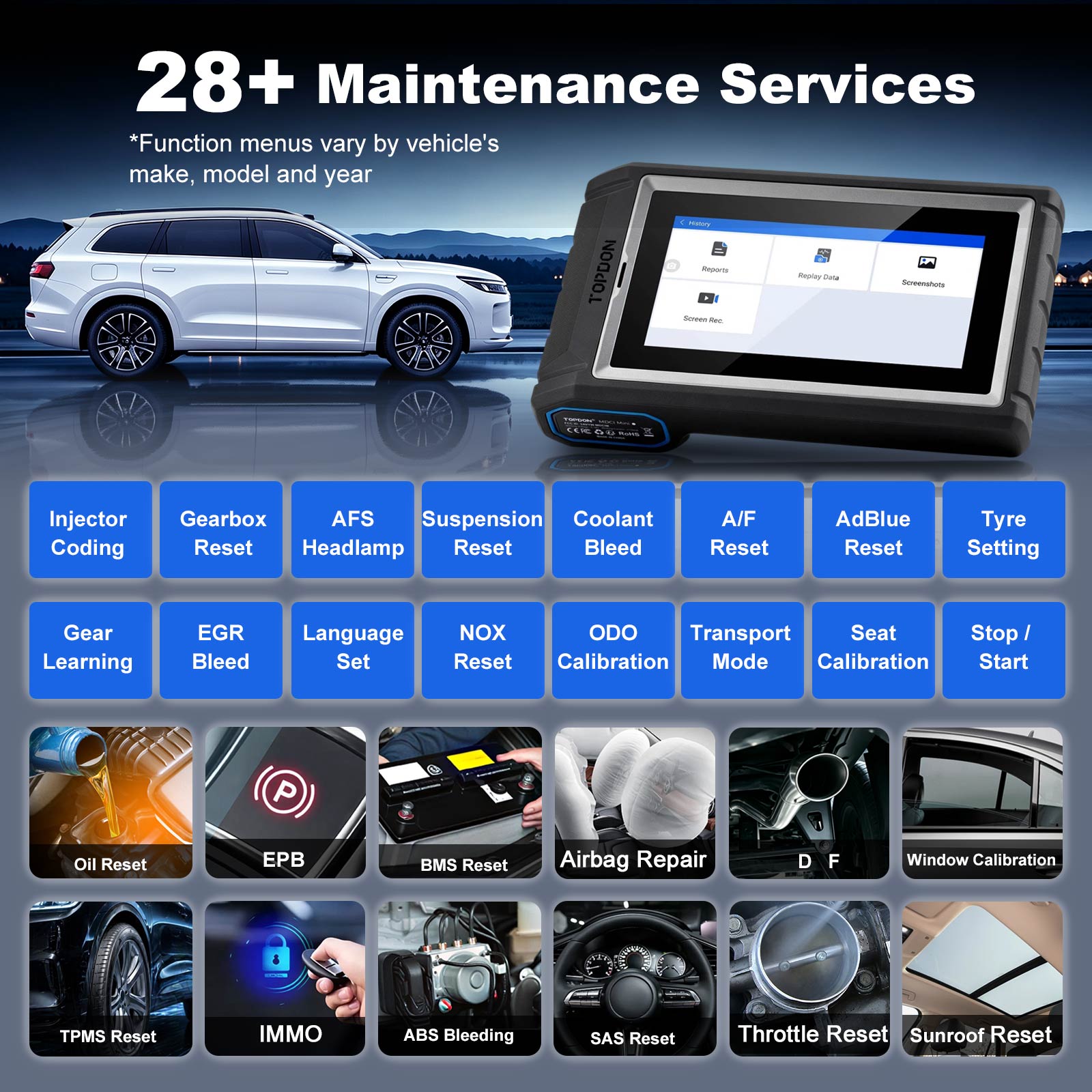
- 28 Maintenance Services
- Bluetooth Wireless
- AutoVIN Technology
TOPDON Artidiag800 BT 2 Description:
The ArtiDiag800 BT 2 is an automotive diagnostics tool perfect for those who need detailed, accurate information that regular diagnostics tools cannot provide. Not only does the ArtiDiag800BT offer AutoVIN tech and basic computer resets, but it also provides 28 maintenance services like oil reset, throttle matching, SAS Calibration, and DPF Reset. By combining the results with the coding, graphing, and vehicle info reading, the ArtiDiag800BT gives serious technicians like you unparalleled insight and capabilities to fix automotive computer issues.
17+ Supported Software Languages
English, French, German, Spanish, Portuguese, Russian, Japanese, Italian, Polish, Turkish, Dutch, Hungarian, Slovak, Korean, Finnish, Czech, Arabic, Croatian, Romanian
TOPDON Artidiag800 BT 2 Features:
1. Unlock Secure Gateway, Stay Ahead with Advanced Diagnosis
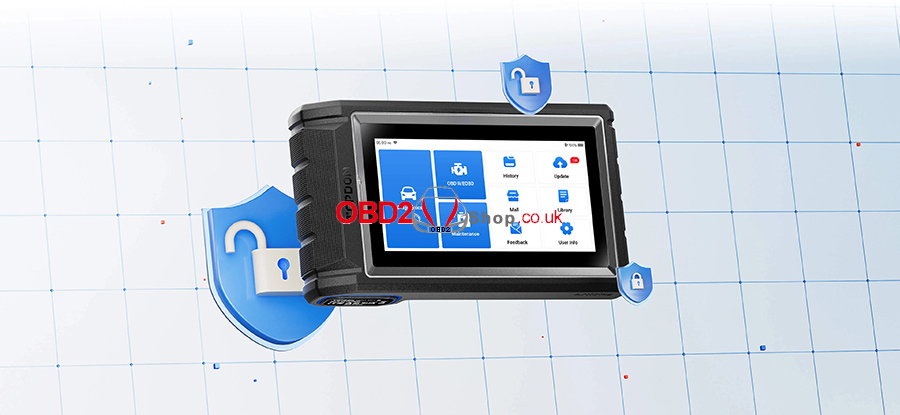
To protect vehicle systems, many manufacturers now use secure gateways that limit access for unauthorized tools. The ArtiDiag800 BT 2 supports gateway access such as FCA SGW and the Renault Gateway, allowing you to unlock advanced diagnostics like active tests, service functions, and fault code clearing. With this capability, you can service more new vehicles without restrictions.
2. Speed Up the Troubleshooting, Stack Up the Profits
The ArtiDiag800 BT 2 supports bi-directional control to enable you to send active commands directly to vehicle components, such as fans, injectors, fuel pumps, and more. Without disassembling the vehicle, you can locate the problem instantly by real-time reaction, get your repair job done faster, and maximize your productivity.

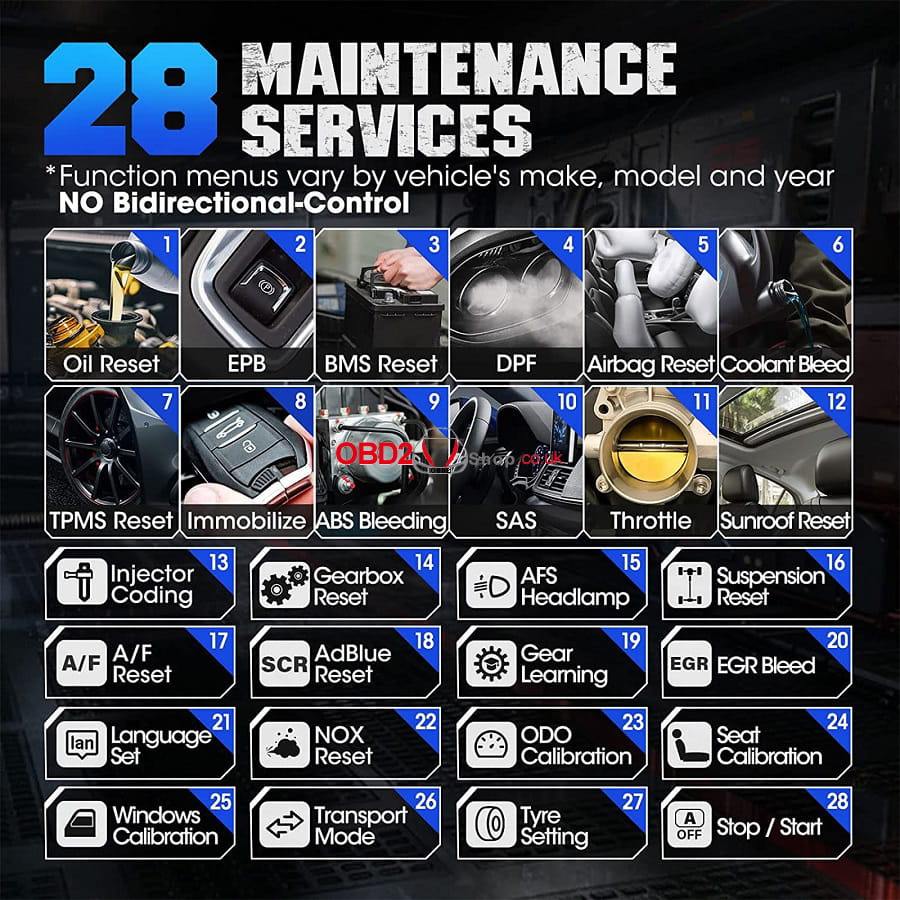
3. 28+ Special Services for Your Productive Days
With over 28 essential maintenance functions, from service light resets to battery registrations, this tool ensures vehicles are kept in peak condition, enhancing both performance and longevity. It provides the confidence that comes with knowing your vehicle is well-maintained, offering peace of mind on every journey.
4. Wider Coverage, Faster Solutions
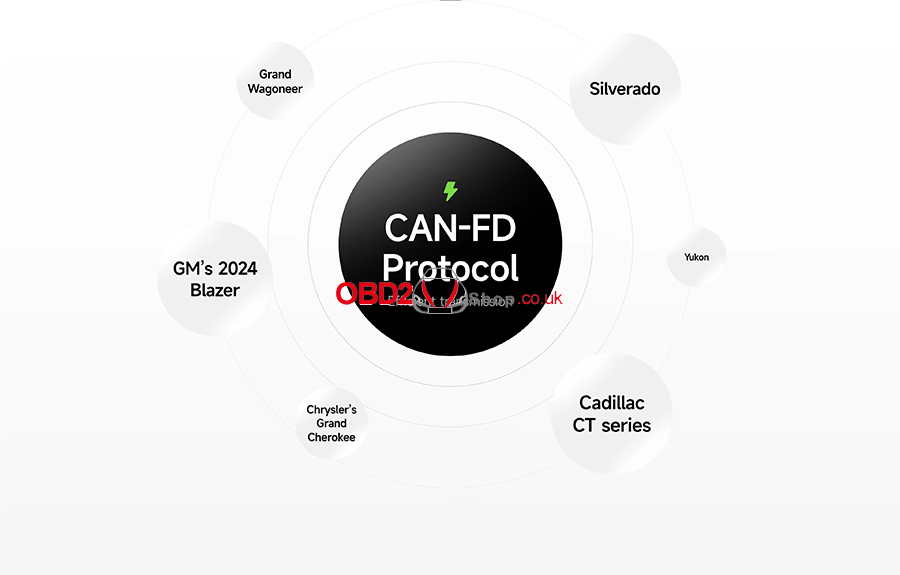
Unlock the advantages of the CAN-FD Protocol, designed to handle larger data volumes for faster and more efficient data transmission. As more manufacturers adopt CAN-FD, you'll be prepared to diagnose an increasing range of new vehicles, including GM and Chrysler models from 2020 onwards.
5. All Systems Covered, All Issues Addressed
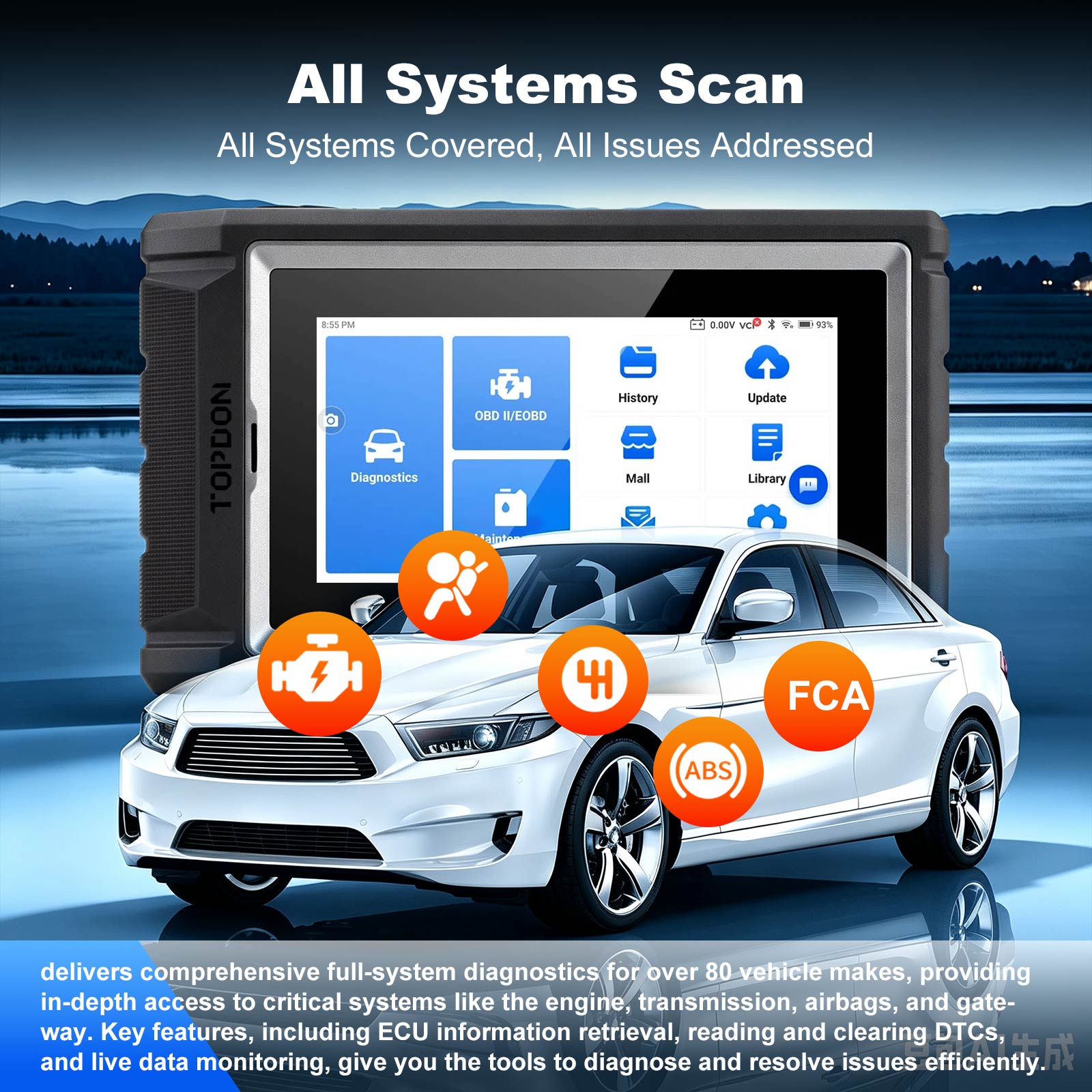
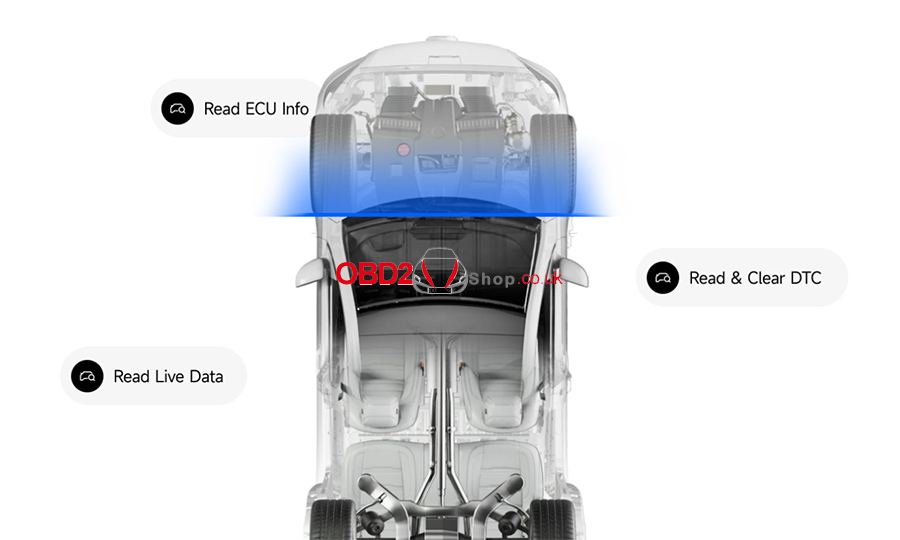
The ArtiDiag800 BT 2 delivers comprehensive full-system diagnostics for over 80 vehicle makes, providing in-depth access to critical systems like the engine, transmission, airbags, and gateway. Key features, including ECU information retrieval, reading and clearing DTCs, and live data monitoring, give you the tools to diagnose and resolve issues efficiently.
6. Cut the Cord, Work Without Limits
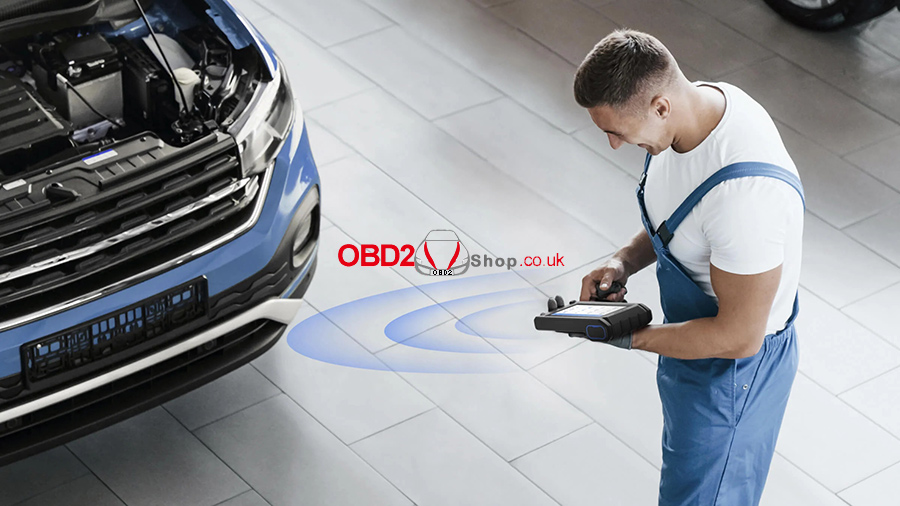
Embrace the freedom of Bluetooth 5.0 connectivity with this advanced scanner. Its stable wireless communication allows for unrestricted movement around your car. Benefit from rapid data transmission for quick, reliable diagnostics, optimizing your workflow and performance.
7. Real-time Performance Tracking with Live Data
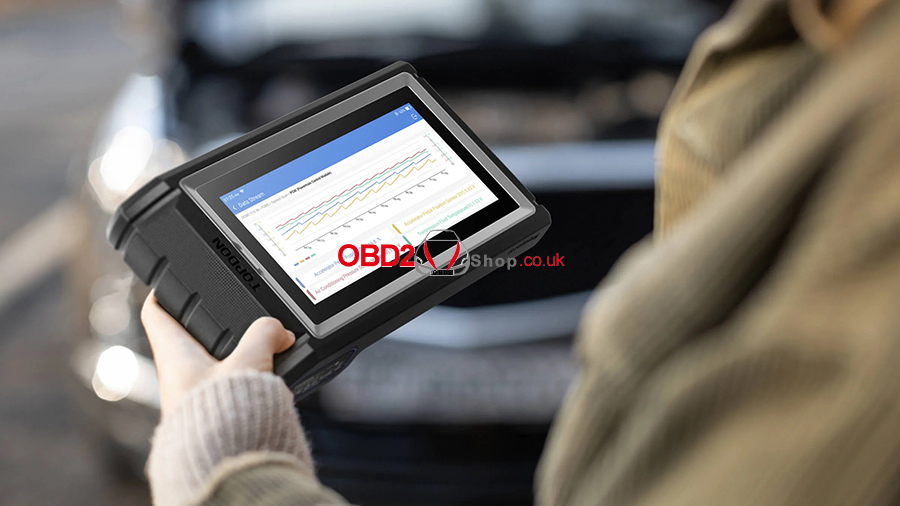
The graphic live data display presents real-time vehicle performance in multiple formats, including numbers, graphs, and combined visuals. This variety makes it easier to identify patterns and anomalies. With the ability to merge up to four data streams into a single view, you can intuitively compare waveforms, enabling deeper and more efficient analysis.
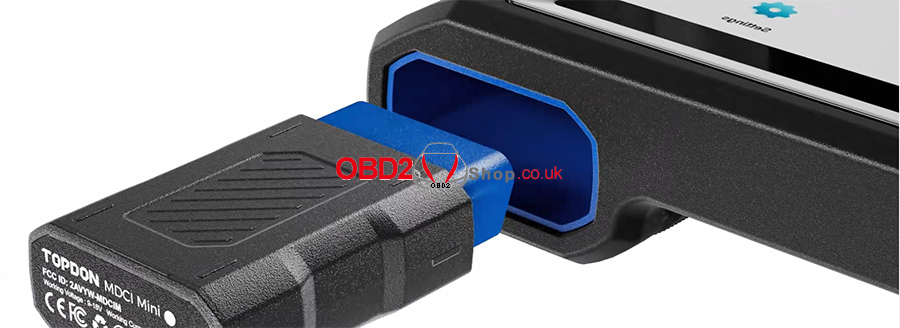
8. Effortless Organization, Ergonomic Excellence
Combining style and functionality, the ArtiDiag800 BT 2 features an innovative built-in VCI storage compartment, ensuring the tool stays organized and ready for use. Its ergonomic, anti-slip grip offers steady, comfortable handling for effortless operation.
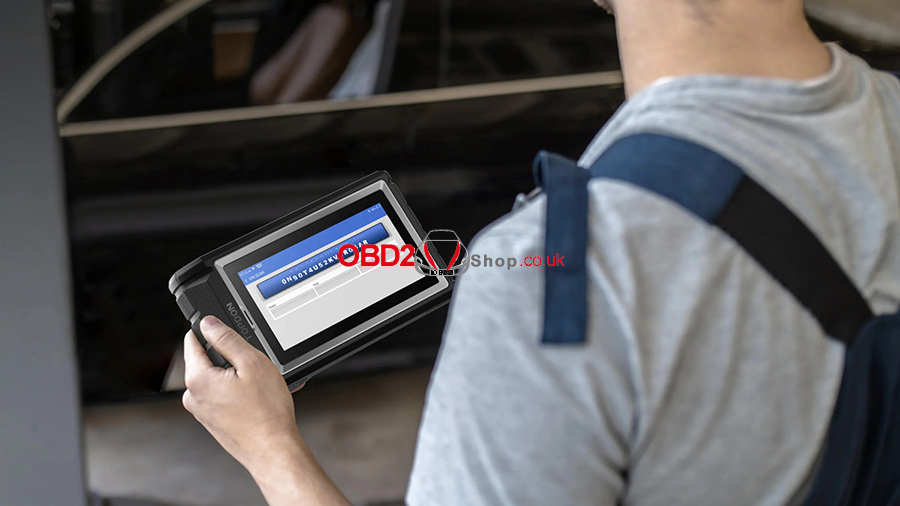
9. Identify, Record, and Share with Ease
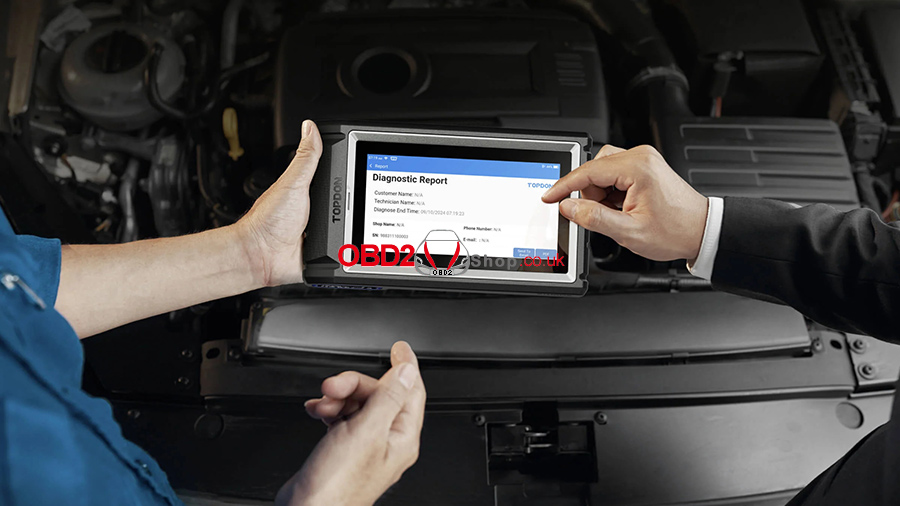
Utilize AutoVIN technology for instant vehicle recognition, saving you time on manual entry. Record data streams effortlessly for valuable performance insights and deep analysis over time. Plus, generates detailed reports automatically for quick sharing, enhancing collaboration and service quality.
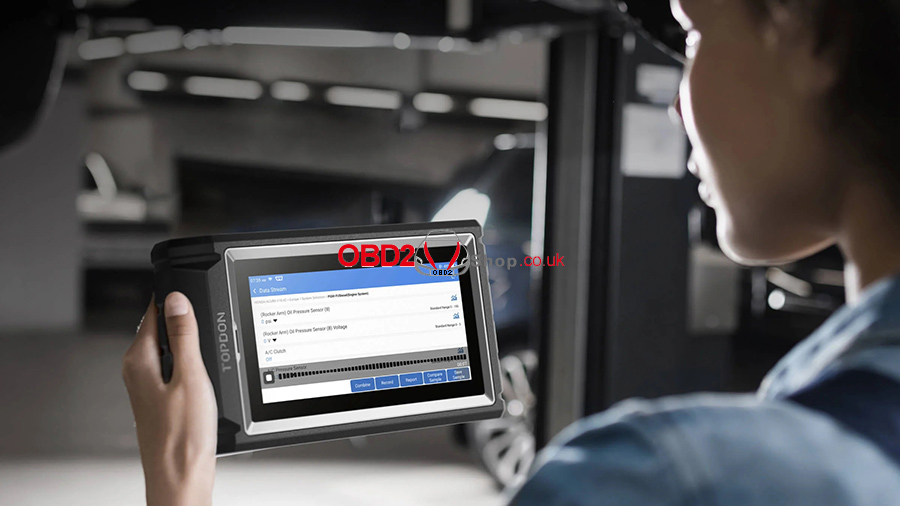
10. Your Insights Matter—We’re Here to Help
Your Insights Matter
Your feedback shapes our development, helping us align future updates and features with what users truly need.
We’re Here to Help
Take advantage of the Feedback feature to communicate any issues you encounter. This direct line to our expert support team enables prompt analyses and resolutions.
TOPDON Artidiag800 BT 2 FAQs:
Q1: Why does the ArtiDiag800 BT 2 not receive any responses when connected to a car?
A1: Please confirm the following cases:
Whether the connection with the vehicle diagnostic socket is solid.
Whether the ignition switch is on.
Whether the tool supports the car.
Whether the scanner and MDCI Mini versions are the latest (if not, try again after updating).
Check what indicator is on the MDCI Mini (refer to the indicator description in the user manual).
Q2: Why does the system stop when reading the data stream?
A2: This may be caused by the loose diagnostic MDCI Mini dongle. Please unplug the MDCI Mini dongle and make sure the reconnection is stable and solid.
Q3: Communication error with vehicle ECU?
A3: Please confirm the following cases:
Whether the diagnostic MDCI Mini dongle is correctly connected.
Whether the scanner and MDCI Mini versions are the latest (if not, try again after updating).
Check what indicator is on the MDCI Mini (refer to the indicator description in the user manual).
Or, send your vehicle's year, make, model, and VIN to us using the Feedback feature for timely technical assistance.
Q4: Why does the screen flash when the engine ignition starts?
A4: It is normal and caused by electromagnetic interference.
Q5: How to capture a screenshot?
A5: Tap the "Screenshot" icon on the screen to capture the current screen, which will be saved in the ArtiFolder module.
Q6: How to upgrade the system software?
A6: 1. Power on the tool and ensure a stable Internet connection.
2. Go to "Settings"-> "App Update", tap "OTA," and then tap "Check Version" to enter the system upgrade interface.
3. Complete the process by following the instructions on the screen step by step. It may take a few minutes depending on the status of your network.
After the upgrade is finished, the tool will automatically restart and display the main interface.
Q7: Does the MDCI Mini dongle need to be updated?
A7: Yes, go to [Settings] on the home screen and find [Firmware Fix] to update. You can only update the firmware when the scanner is connected to the internet and the MDCI Mini is connected to a vehicle. After the firmware update is complete, remove and re-plug the MDCI Mini on the firmware update completion page.
TOPDON Artidiag800 BT 2 Specifications:
Display: LCD 6-Inch, 1400 * 720
CPU: MT6761 4-Core Cortex-A53, 1.8 GHz
Operating System: Android 10.0
RAM: 2G
ROM: 64G
Battery: 5050mAh / 3.7V
Operating Voltage: 5V
Storage Temperature: -20℃~60℃ ( -4 ℉ ~140 ℉)
Working Temperature: 0℃~50℃ (32 ℉ ~122 ℉)
Dimension: 215*126*46 mm (8.5*5.0*1.8 inch)
Package Size: 274*188*106 mm (10.79*7.40*4.17 inch)
Net Weight: 660 g (1.46 lb.)
Gross Weight: 1520 g (3.70 lb.)
Multilingual Support: English, French, German, Spanish, Portuguese, Russian, Japanese, Italian, Korean, Traditional Chinese, Hungarian, Dutch, Polish, Slovak, Swedish, Danish, Greek, Arabic.
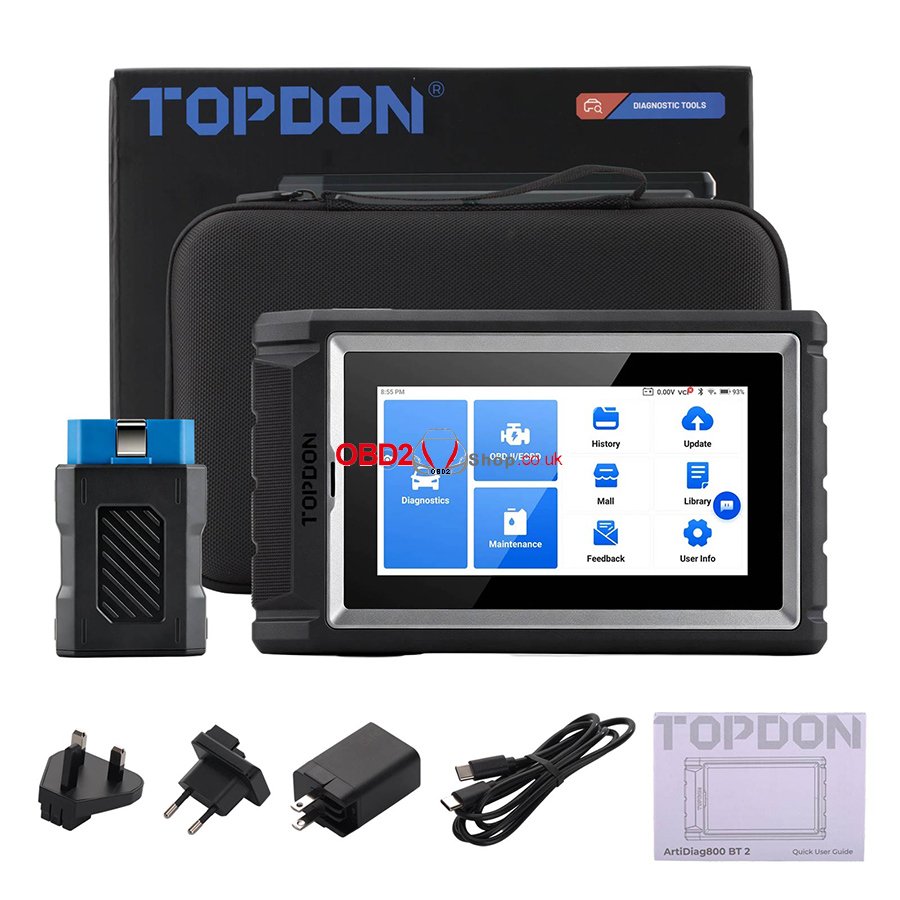
Artidiag800 BT 2 Package includes:
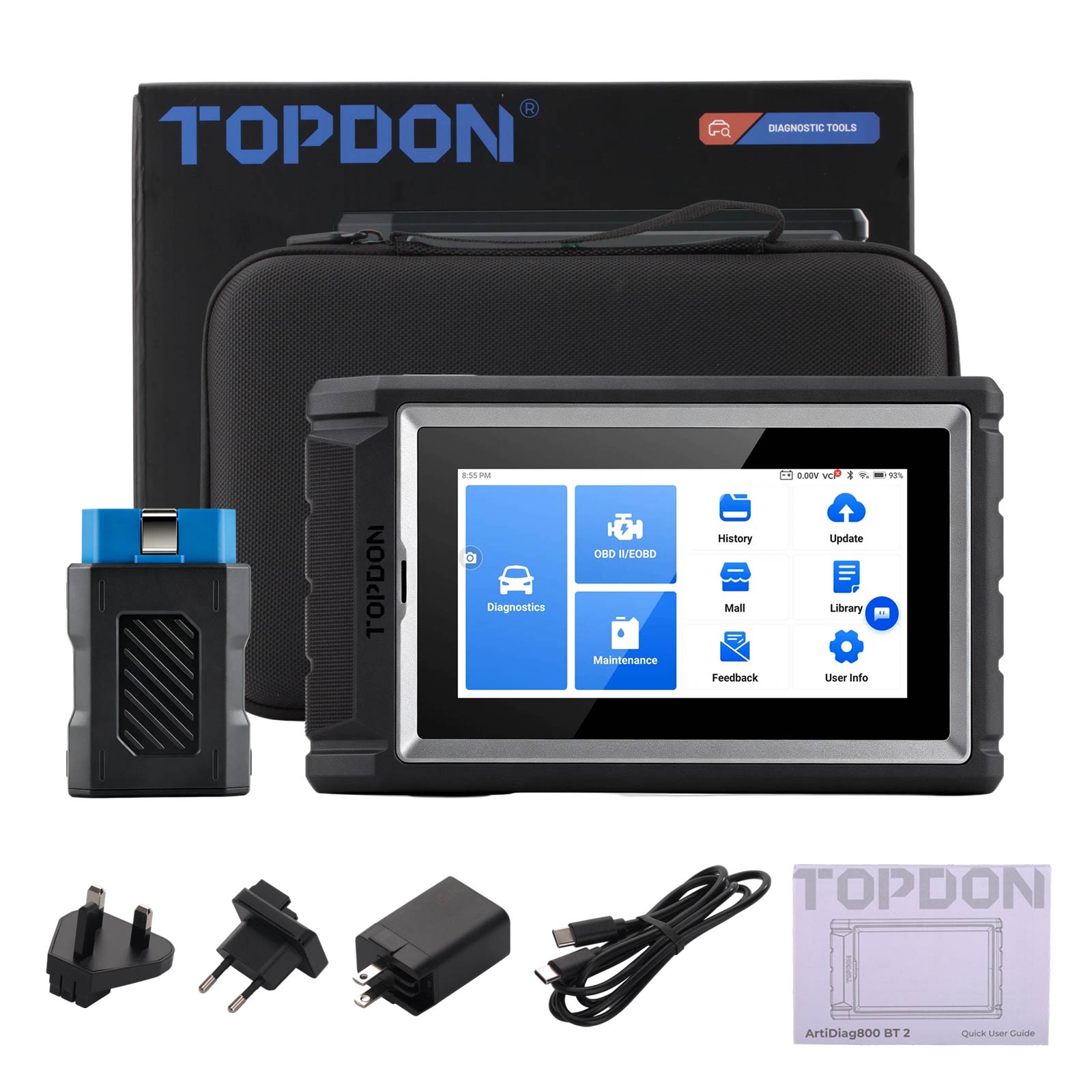
1pc x ArtiDiag800BT2 Tablet
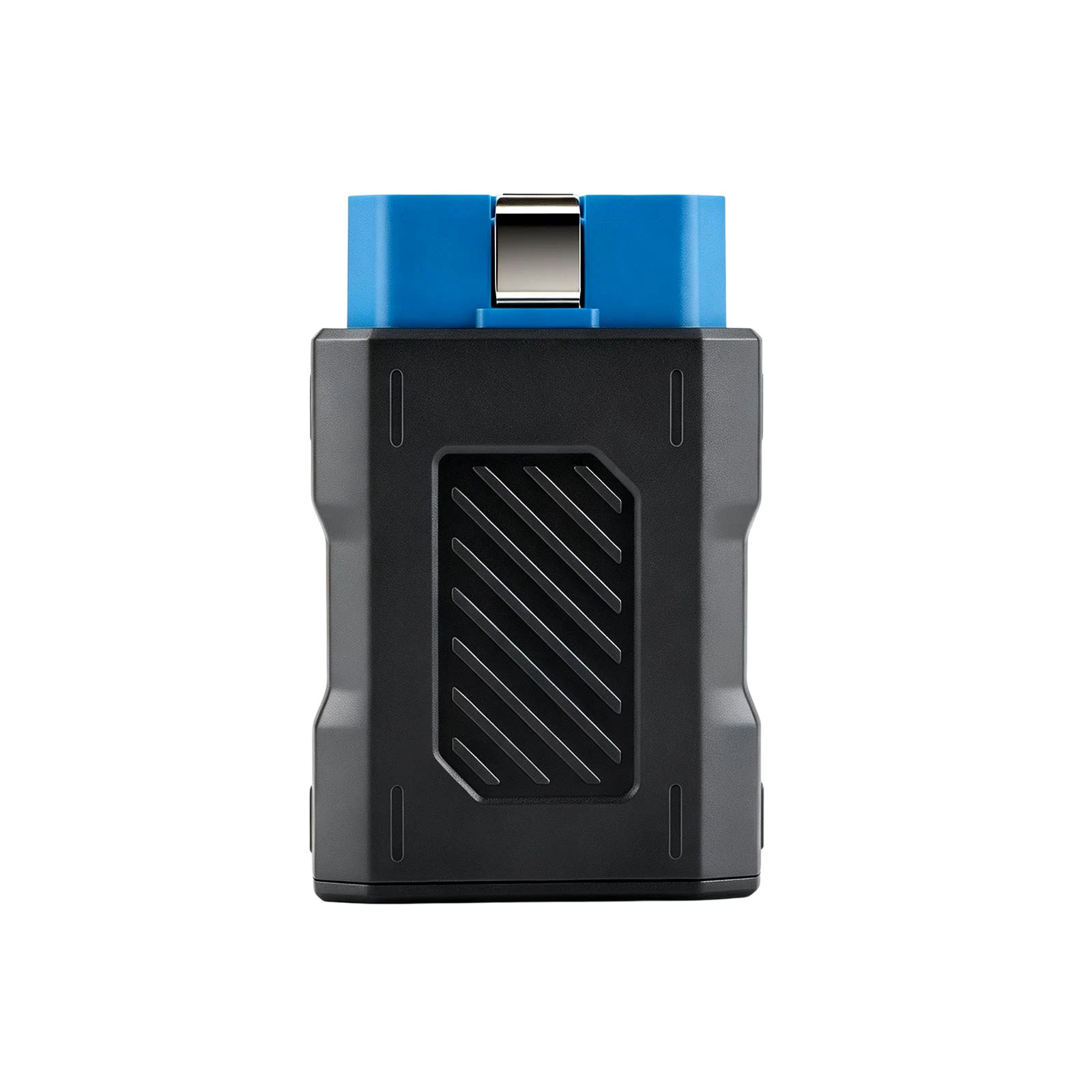
1pc x VCI Dongle
1pc x Charging Cable
1pc x Power Adapter with US-standard plug
1pc x UK-standard plug
1pc x EU-standard plug
1pc x Quick User Guide
1pc x Carrying Case


Hot Branded Products:










Shipping method and delivery time:
UK Shipping (No Tax) : 2-4 working days arrive. For products marked " UK Ship " and UK local customer
EU shipping (No Tax) : 5-7 working days arrive. For products marked " EU Ship " and from EU countries, if not belong to EU, need to clearance
Yodel (No Tax) : 5-7 days arrive . For products UK out of stock, and customers from UK
Yun Express ( No Tax) : 5 - 9 working days to UK, 7-14 days to other European Countries.
Yanwen (No Tax) : 5 - 9 working days to UK, 7-14 days to other European Countries, ship to all over the world, mainly for UK/EU warehouse no stock
DHL: need to clearance, 3-5 working days arrive. Used for UK/EU no stock, customers request ship this way. Need to clearance, we will declare a low price on the invoice help to clearance.
If you have any questions about the device, the price, or the payment, please feel free to contact us.
Contact Person: Elyza
Whatsapp: +86 13983755934
Telephone: +86 13983755934
Wechat: +86 13983755934
Official Email: Sales@obd2shop.co.uk