7% off
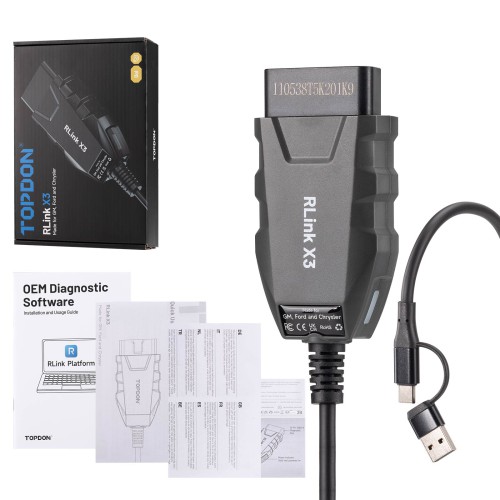
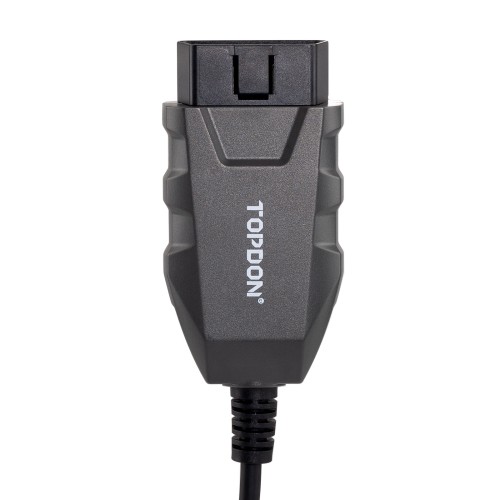
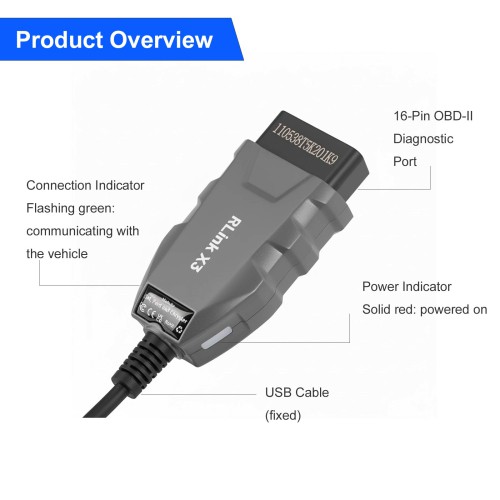




TOPDON RLink X3 for US Vehicle Brands (for Ford, for GM, and for Chrysler)
Latest price: £101Buy Now: £94
7% off
15th Anniversary Special Offer!
Sept. 30 – Oct. 30
Over 300 GBP Get Free Godiag J2534 (SP421-B)
Over 600 GBP Get Free Vgate vLinker (SP392)
Over 1000 GBP Get Free Godiag GT100 (SO537)
LAUNCH X-431 Anni Sales Gift
Over 799 GBP Get Free VSP-600 (SO598)
Over 999 GBP Get Free BST-360 (AD185)
Over 1199 GBP Get Free IMMO Plus Key (SK413-F)
Whatsapp +86 13983755934
Sept. 30 – Oct. 30
Over 300 GBP Get Free Godiag J2534 (SP421-B)
Over 600 GBP Get Free Vgate vLinker (SP392)
Over 1000 GBP Get Free Godiag GT100 (SO537)
LAUNCH X-431 Anni Sales Gift
Over 799 GBP Get Free VSP-600 (SO598)
Over 999 GBP Get Free BST-360 (AD185)
Over 1199 GBP Get Free IMMO Plus Key (SK413-F)
Whatsapp +86 13983755934
Shipping:
Free Shipping
Standard Flat Rate Shipping ServiceEstimated delivery time: 7-15 working days.See details »
Weight:
0.3KG
Package:
22cm*15cm*4.5cm
( Inch: 8.64*5.89*1.77 )
Returns:
Return for refund within 30 days,buyer pays return shipping. Read details »
£94
In Stock.
Free Shipping
Product Description
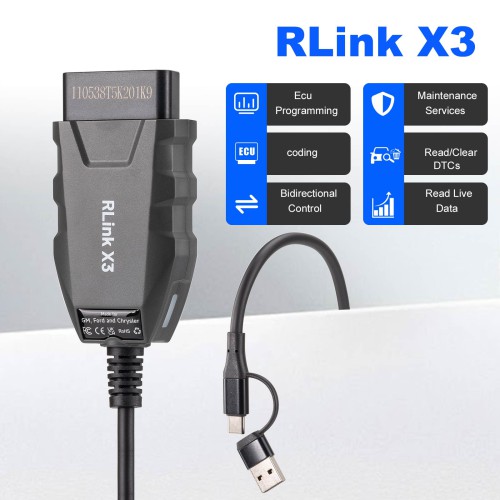
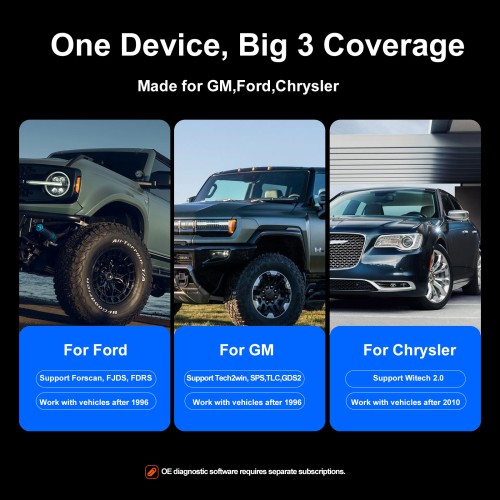
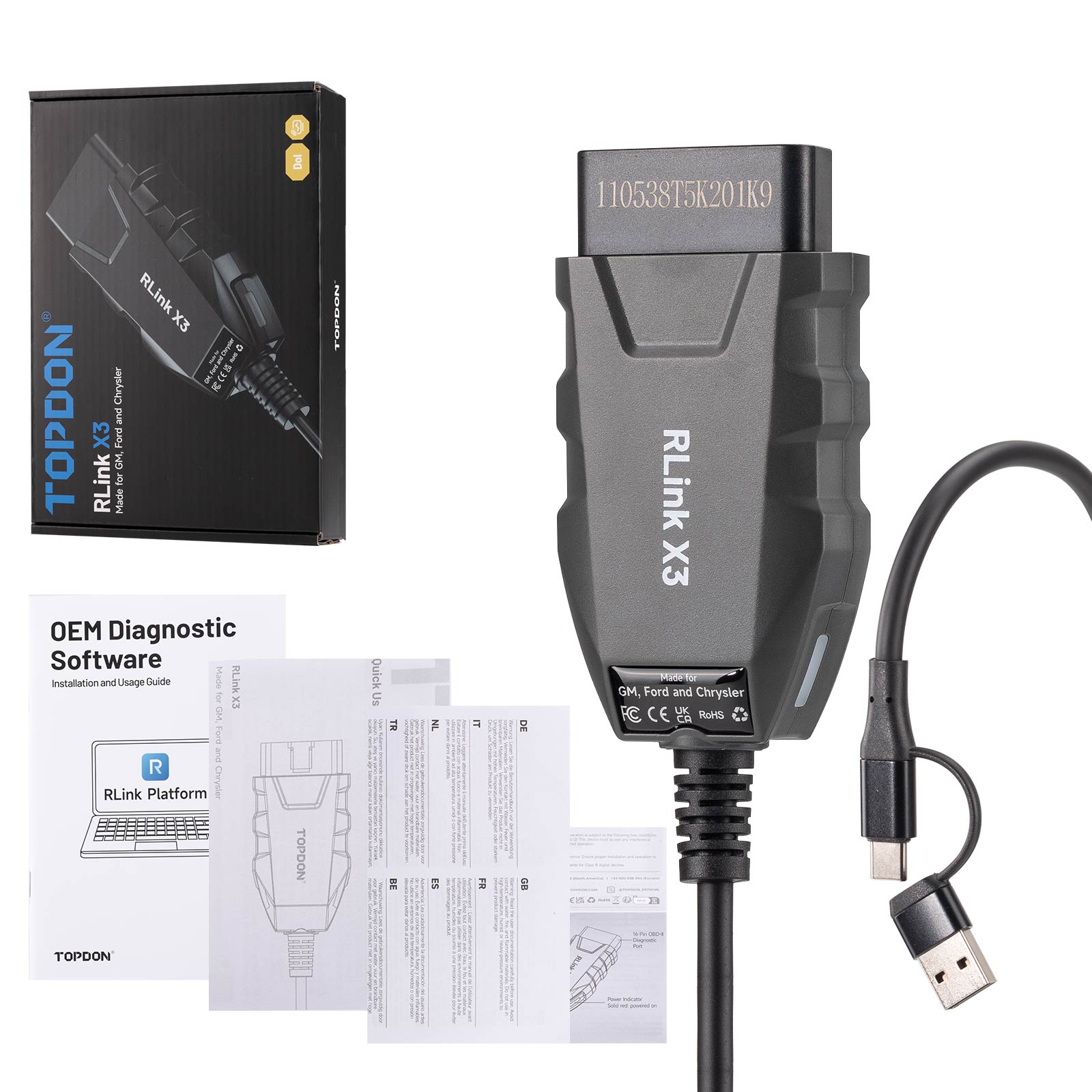
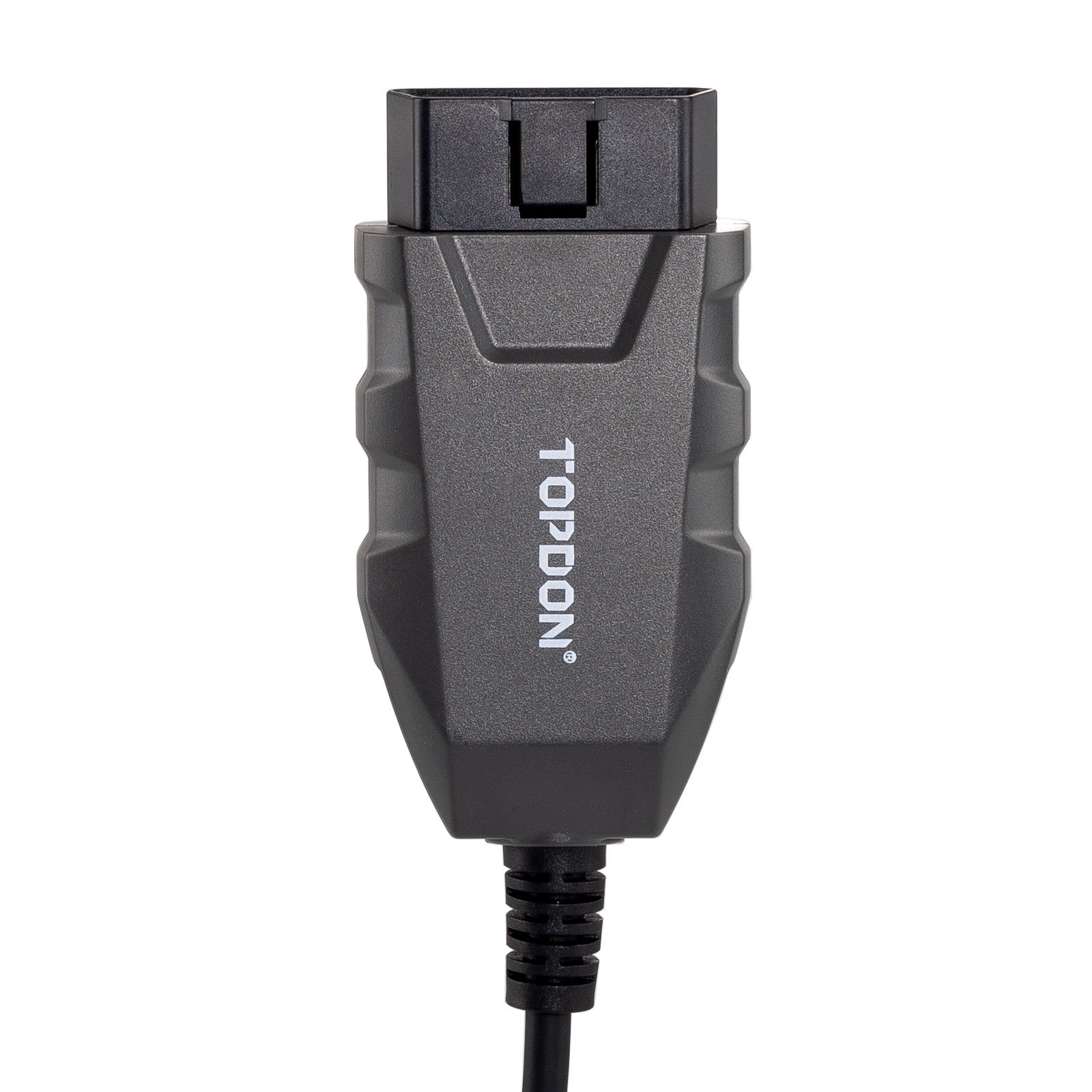
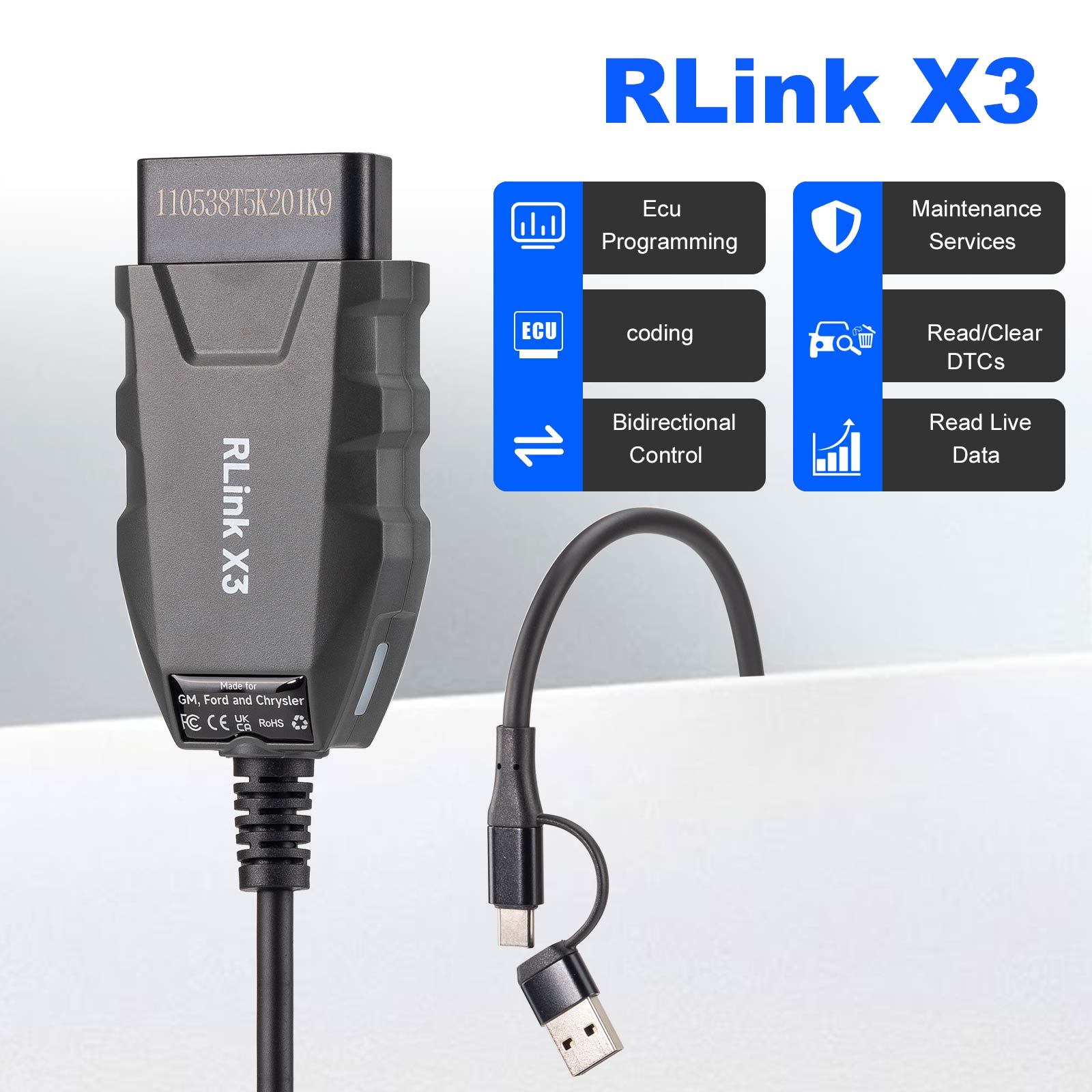
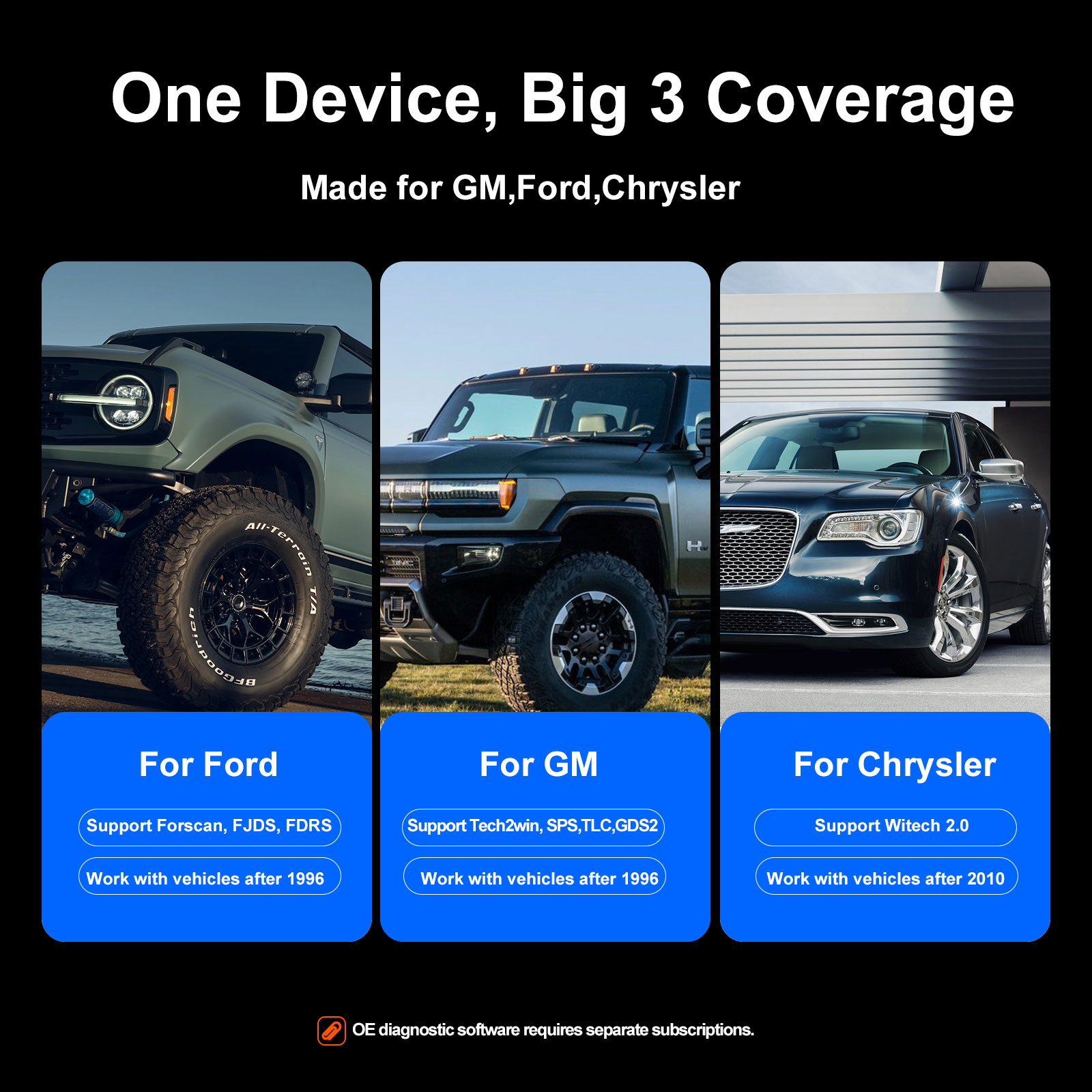
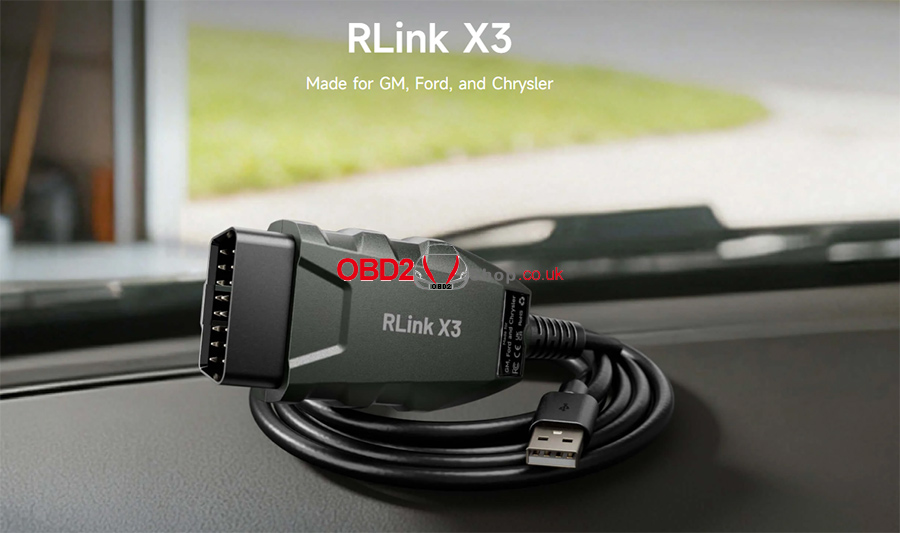
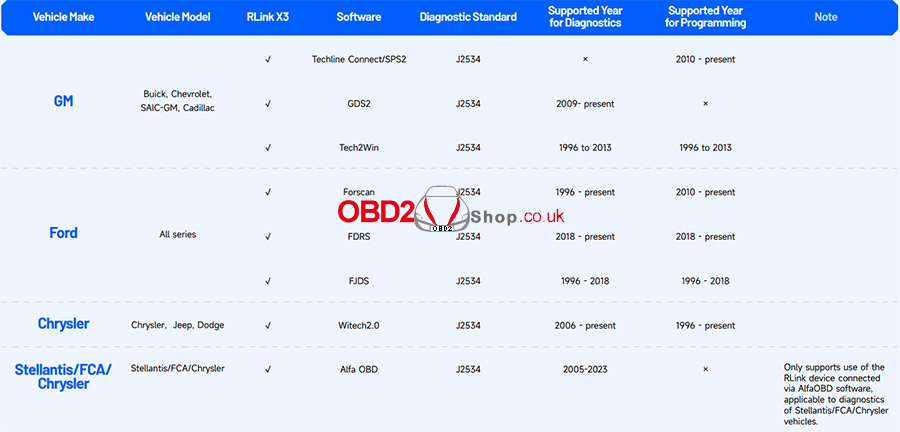
TOPDON RLink X3 is a 3-in-1 OEM-specific VCI (Vehicle Communication Interface) developed for the US market. It supports the three major American automakers (Ford, GM, and Chrysler), as well as their sub-brands and models. Rlink X3 is compatible with OEM software for GM (TLC/GDS2, Tech2Win, SPS), Ford (FJDS, FDRS, FORScan), and Chrysler (WiTECH 2.0).
TOPDON RLink X3 for US Vehicle Brands
TOPDON RLink X3 Description:
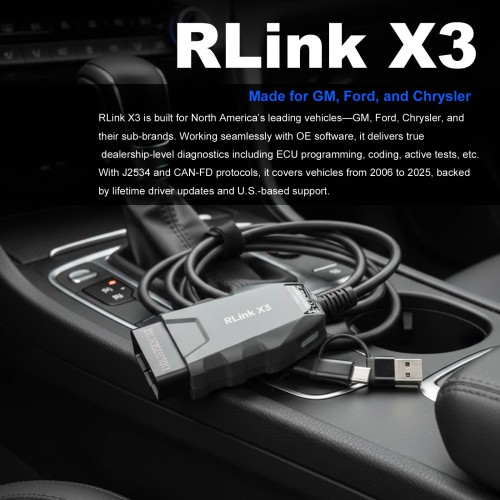
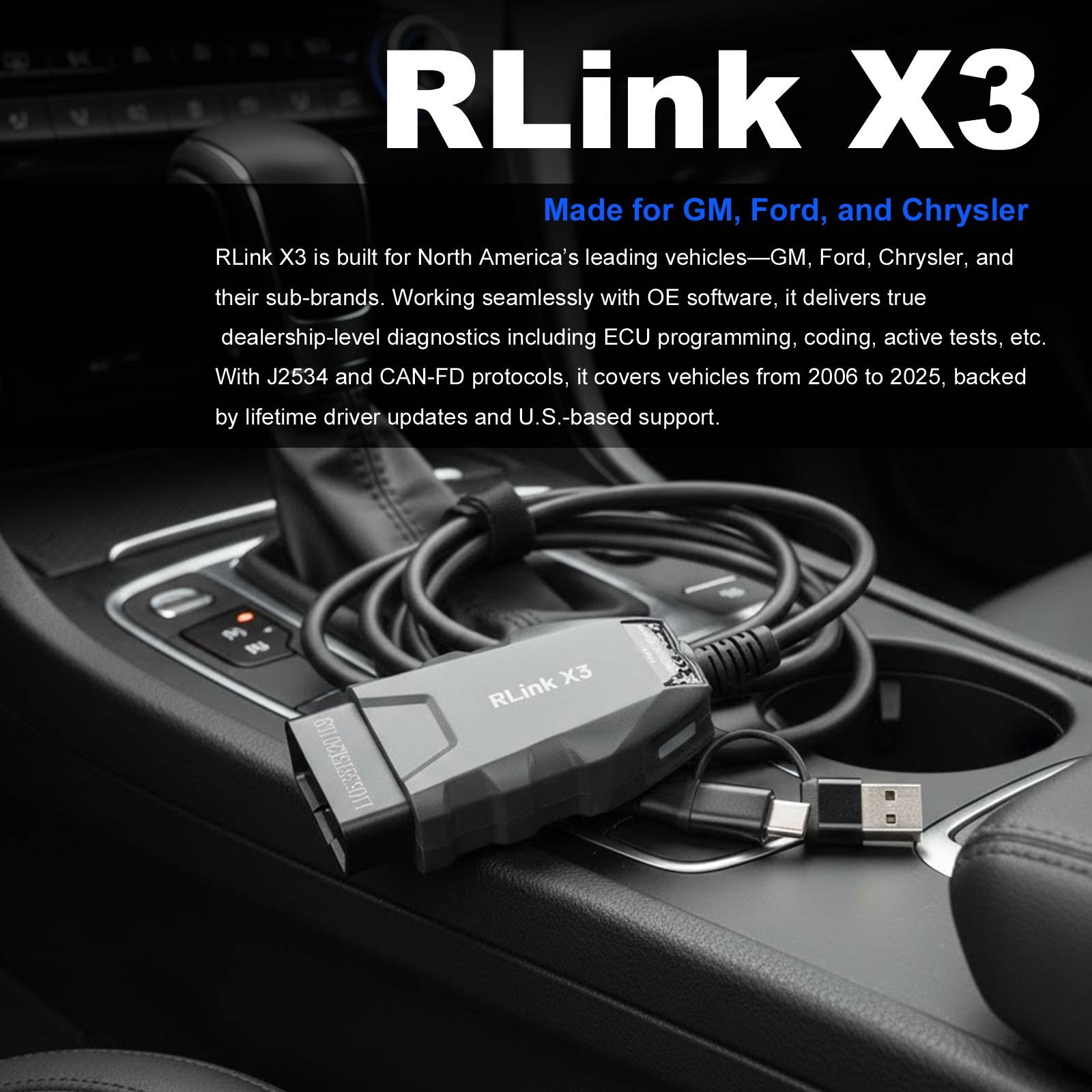
RLink X3 is built for North America’s leading vehicles—GM, Ford, Chrysler, and their sub-brands. Working seamlessly with OE software, it delivers true dealership-level diagnostics, including ECU programming, coding, active tests, etc. With J2534 and CAN-FD protocols, it covers vehicles from 2006 to 2025, backed by lifetime driver updates and U.S. - based support.
Note: OEM software is not included and requires additional purchase.
Product Functions Available When Used with OEM Software
1. Vehicle Coverage: Supports models from 1996 to 2025 (actual coverage depends on the OEM software).
2. Diagnostic Functions: Supports reading/clearing fault codes, reading data streams, performing active tests, generating detection reports, etc.
3. Special Functions: Fully supports special functions as provided by OEM software — same as at the dealership.
4. Freeze Frame Data: Allows real-time analysis of fault causes and recreates failure scenarios to avoid misdiagnosis.
5. Online Programming: Supports online coding and programming functions.
6. Additional OEM Software Features: such as access to repair manuals, fault code analysis, and more.
TOPDON RLink X3 Features:
1. All-in-one Dealership Diagnostic Power
① Dealer-level Diagnostics at Your Fingertips
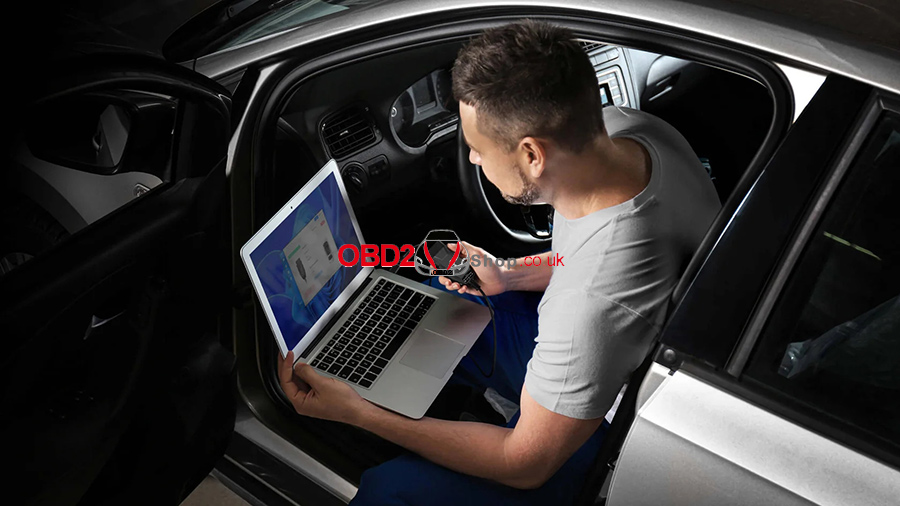
Complete OEM diagnostics and programming, including ECU programming, coding, active tests, maintenance functions, and more — all in one device.
② Up-to-date Vehicle Coverage
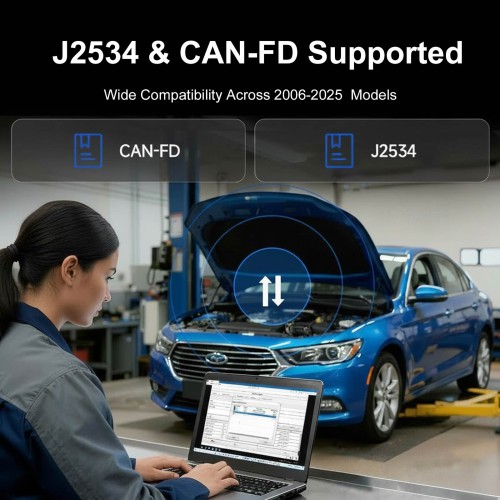
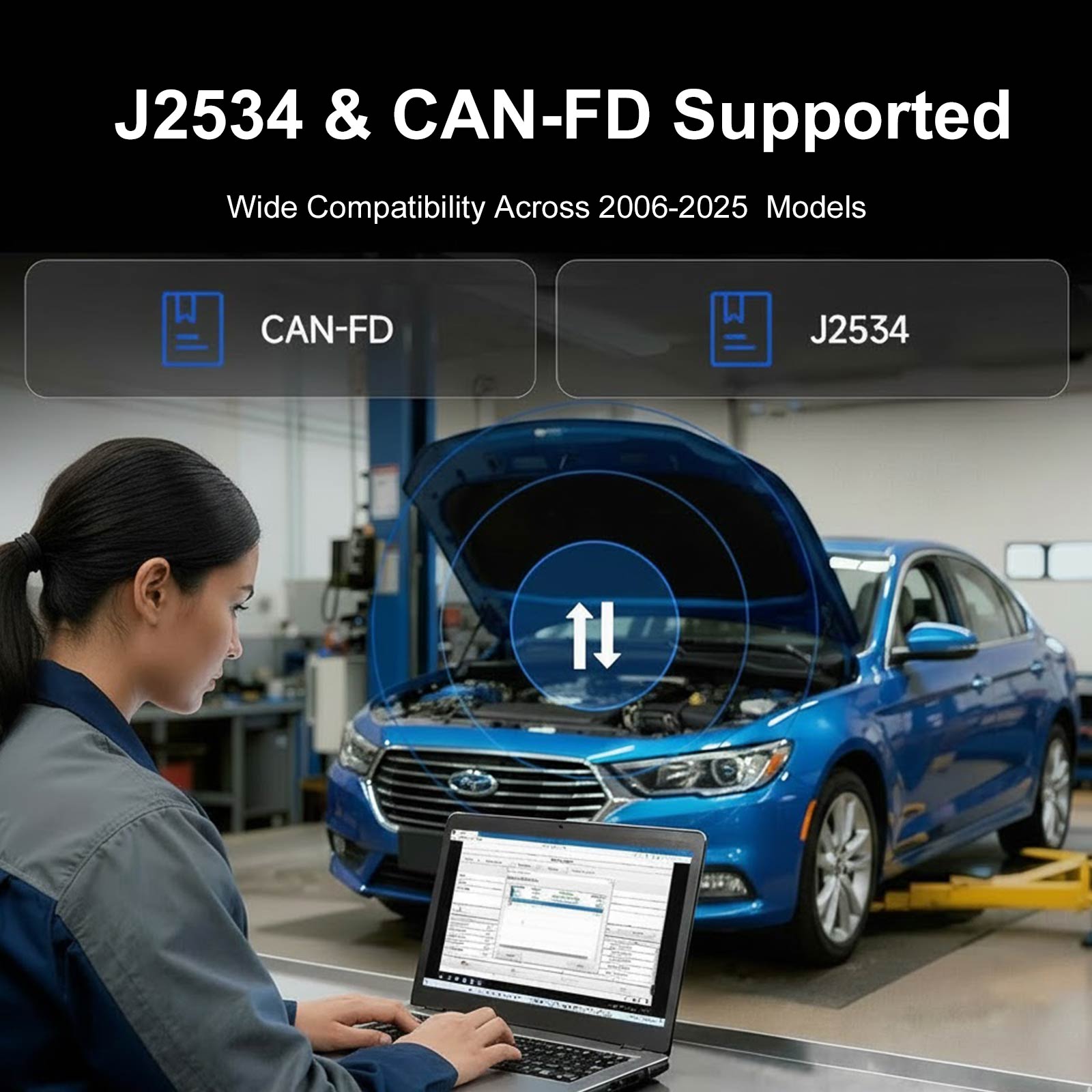
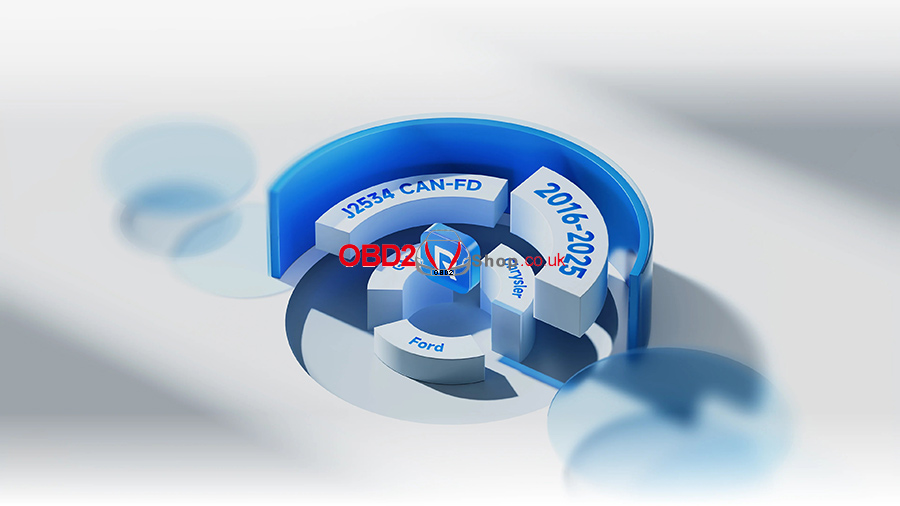
Supports J2534 and CAN-FD protocols for seamless compatibility with GM, Ford, and Chrysler models from 2006 to 2025.
2. Diagnose Faster, Smarter, and More Cost-effectively
① One Tool for 8+ OE Software
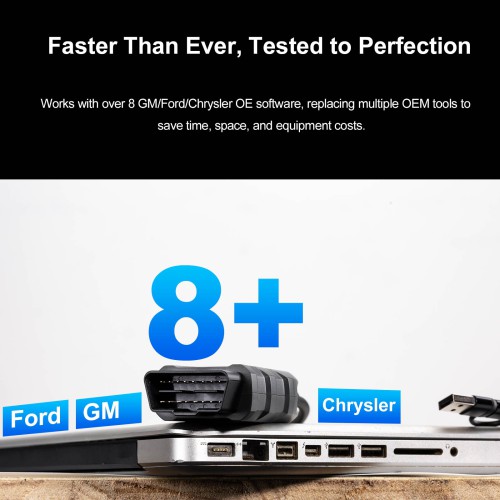
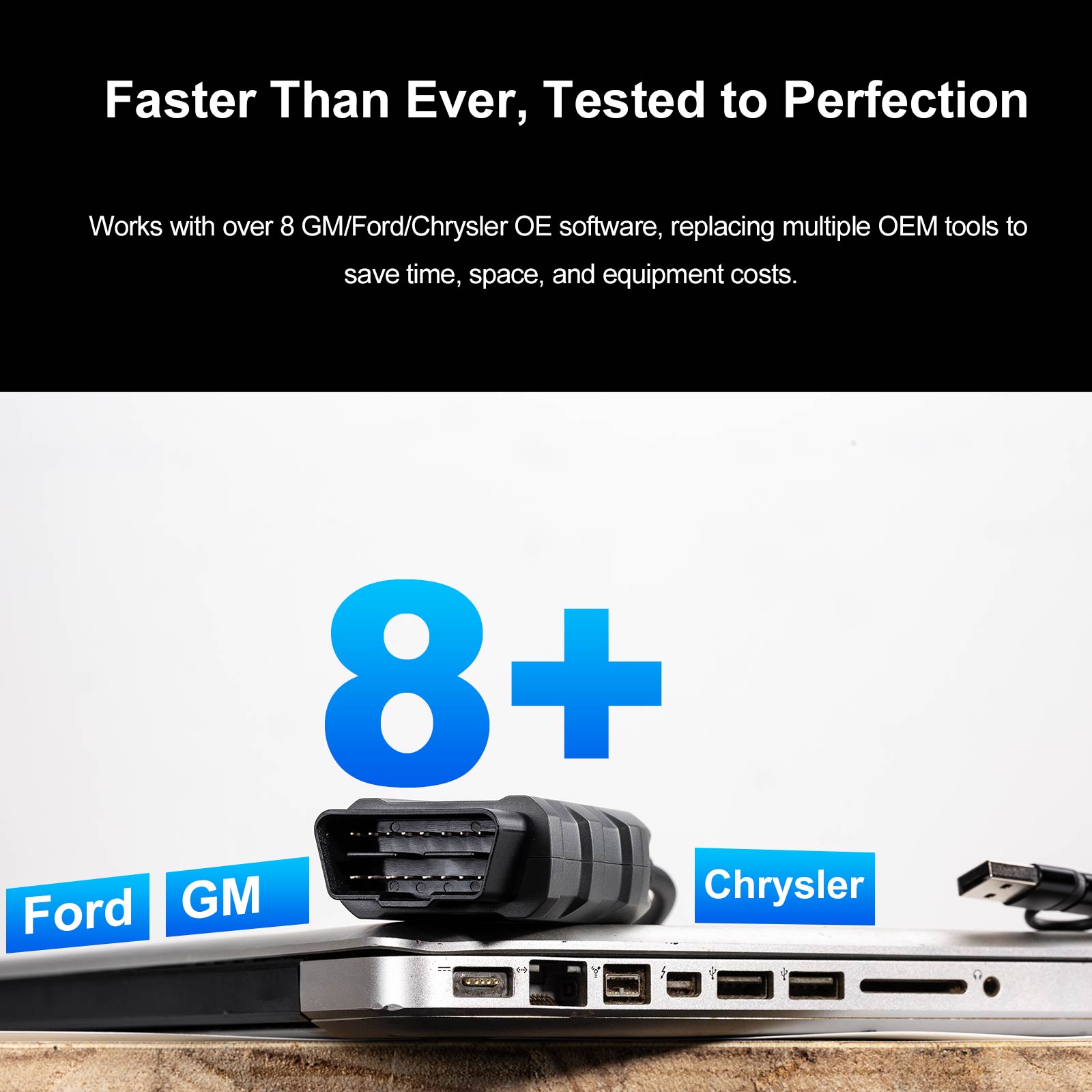
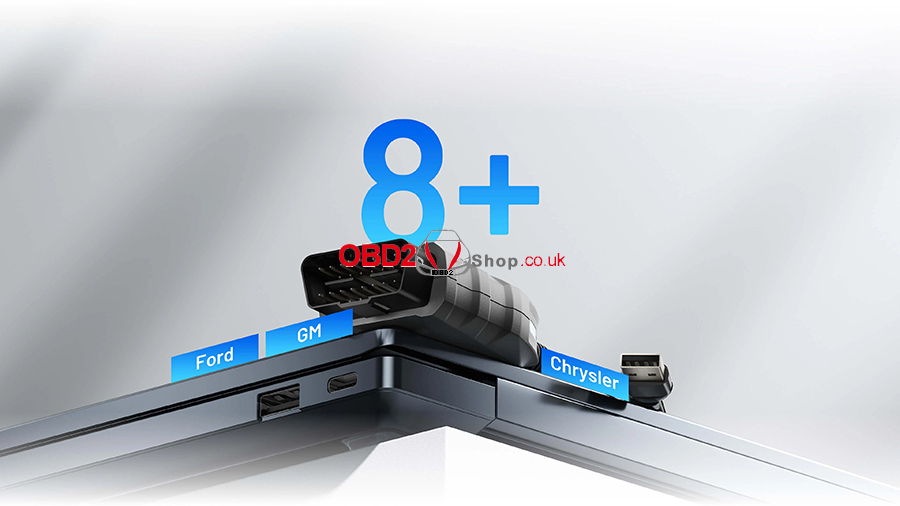
Works with over 8 GM/Ford/Chrysler OE software, replacing multiple OEM tools to save time, space, and equipment costs.
② Lifetime Free Driver Updates
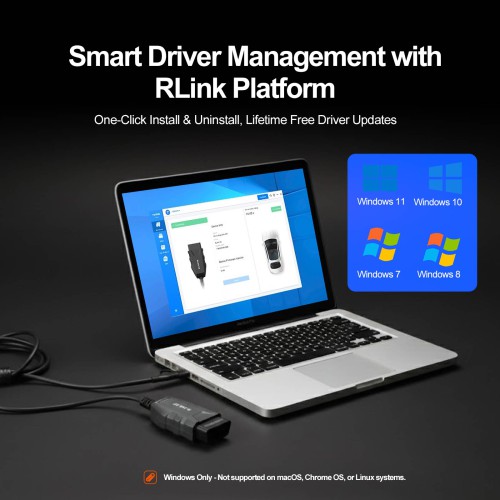
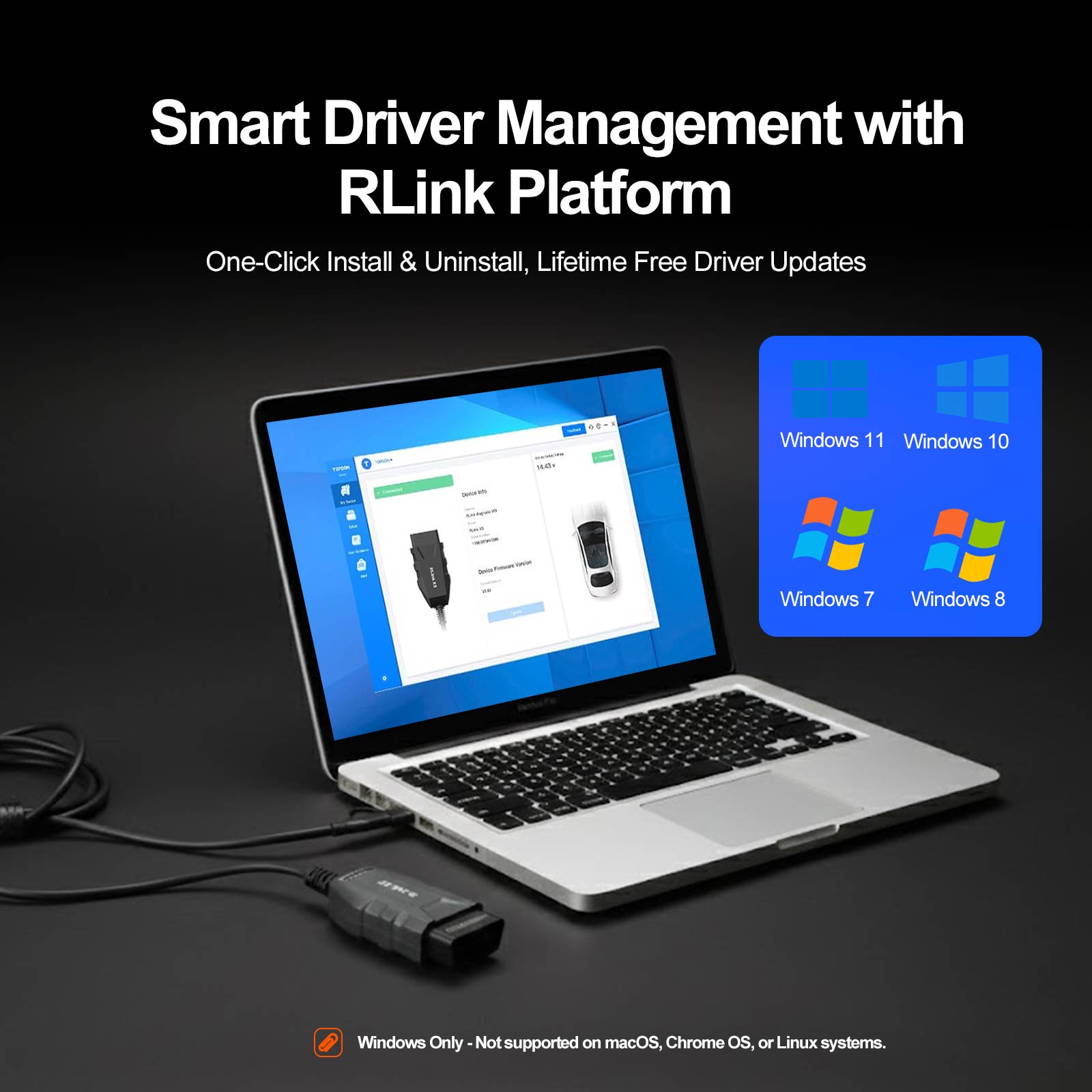
Enjoy one-click driver management and lifetime free driver updates for the latest OE software.
3. Tested, Trusted, and Backed by Experts
① Proven Performance
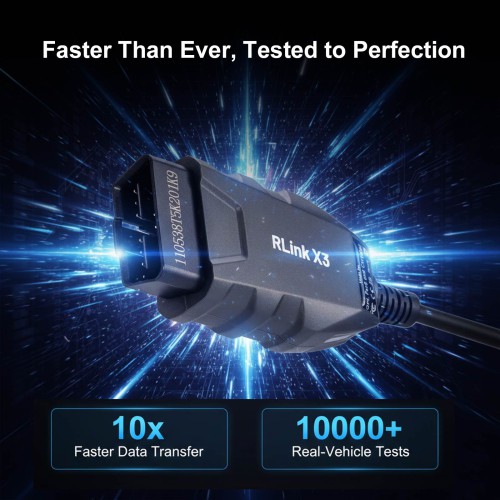
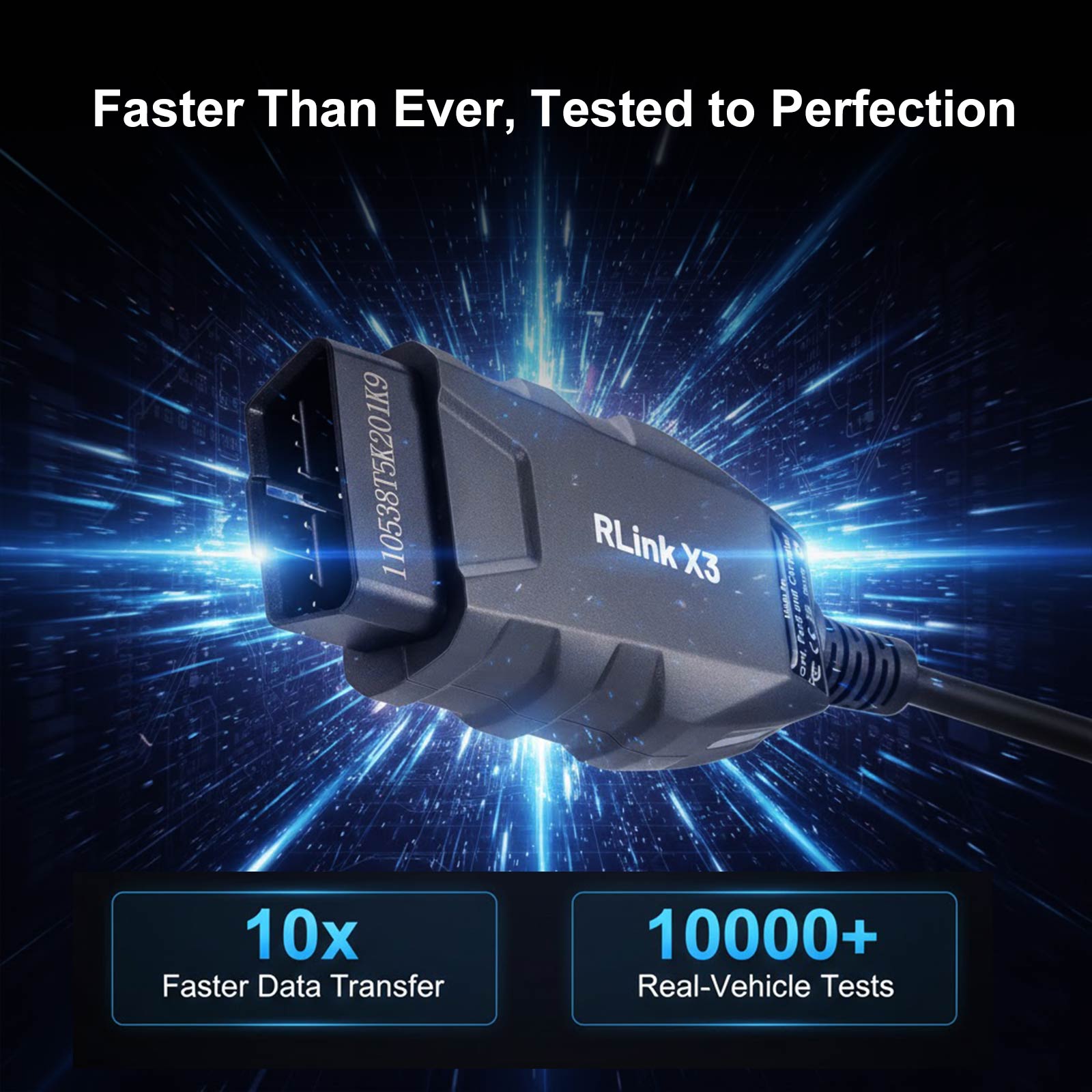
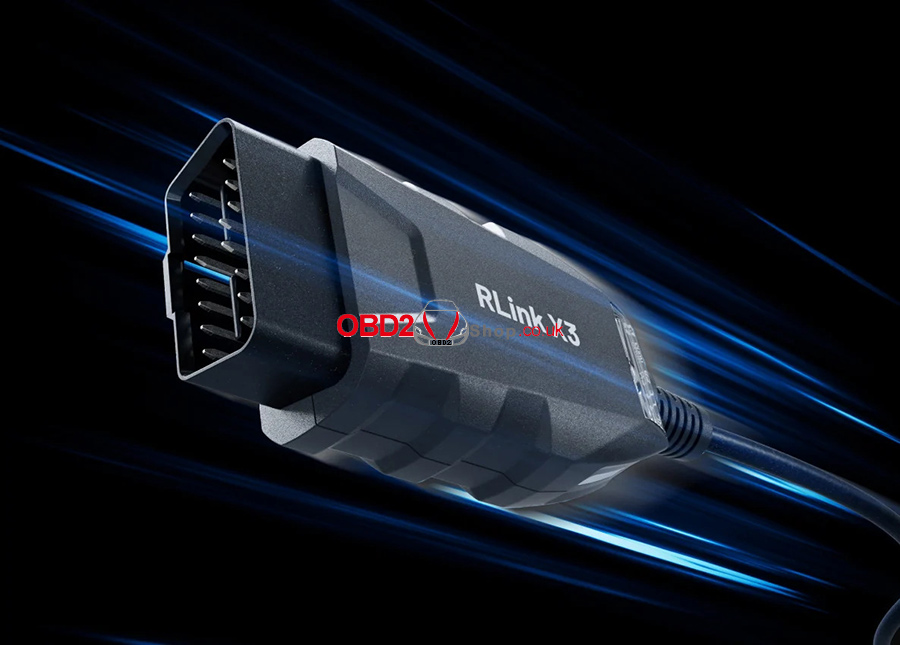
Validated in over 10000 real tests, ensuring secure and stable data transfer at speeds up to 10x faster than other solutions.
② Local Tech Support
Prompt and professional U.S.-based support is always within reach to help from initial setup to advanced programming.

4. Designed for Simplicity
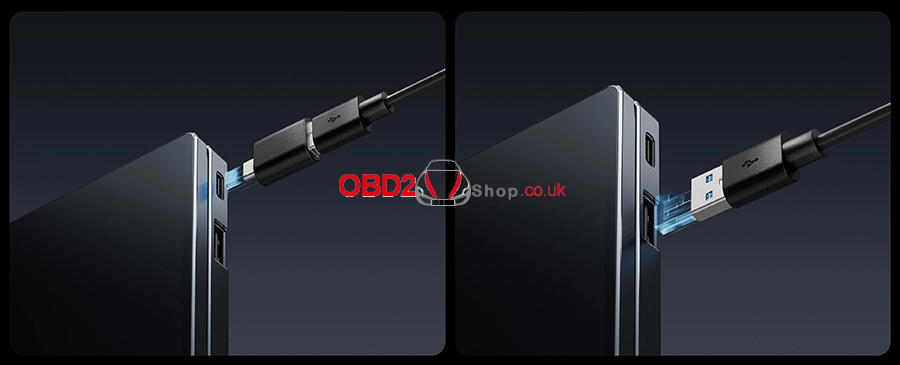
① 2-in-1 USB Connectivity
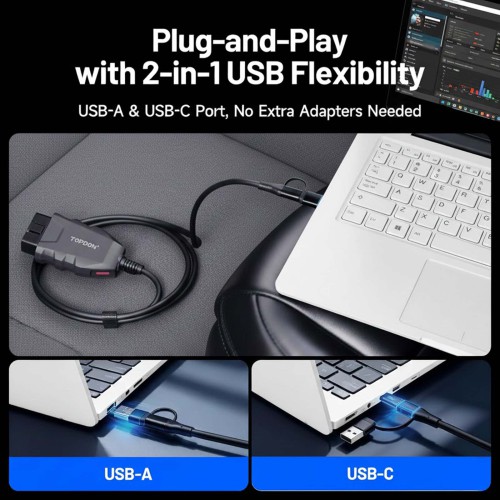
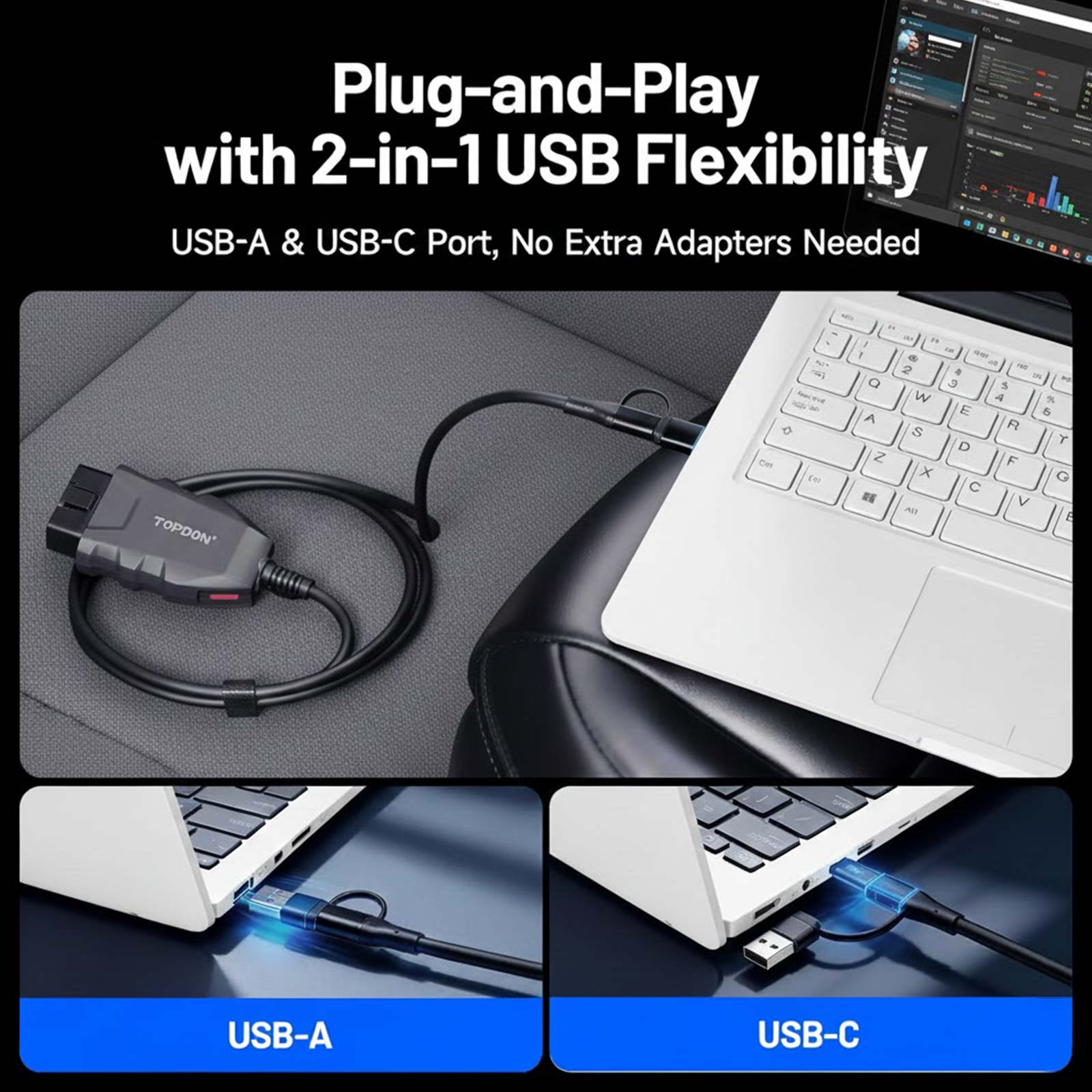
Equipped with both USB-A and USB-C connectors for flexible compatibility with various laptops and devices.
② Detailed Operational Guidance
From OE software subscription to activation and real-world programming examples, step-by-step instructions make complex tasks easy to handle.
RLink X3 Compatible OEM Software List:
TOPDON RLink X3 Features:
1. All-in-one Dealership Diagnostic Power
① Dealer-level Diagnostics at Your Fingertips
Complete OEM diagnostics and programming, including ECU programming, coding, active tests, maintenance functions, and more — all in one device.
② Up-to-date Vehicle Coverage
Supports J2534 and CAN-FD protocols for seamless compatibility with GM, Ford, and Chrysler models from 2006 to 2025.
2. Diagnose Faster, Smarter, and More Cost-effectively
① One Tool for 8+ OE Software
Works with over 8 GM/Ford/Chrysler OE software, replacing multiple OEM tools to save time, space, and equipment costs.
② Lifetime Free Driver Updates
Enjoy one-click driver management and lifetime free driver updates for the latest OE software.
3. Tested, Trusted, and Backed by Experts
① Proven Performance
Validated in over 10000 real tests, ensuring secure and stable data transfer at speeds up to 10x faster than other solutions.
② Local Tech Support
Prompt and professional U.S.-based support is always within reach to help from initial setup to advanced programming.
4. Designed for Simplicity
① 2-in-1 USB Connectivity
Equipped with both USB-A and USB-C connectors for flexible compatibility with various laptops and devices.
② Detailed Operational Guidance
From OE software subscription to activation and real-world programming examples, step-by-step instructions make complex tasks easy to handle.
RLink X3 Compatible OEM Software List:
How to use RLink X3 (registration and binding):
Step 1: Turn on your PC and download the RLink Platform driver manager from the TOPDON official website.
Step 2: Install RLink Platform and register an account.
Step 3: Plug the device into your PC.
Step 4: Bind the device.
Step 5: Go to Driver Management > Driver Download, and select the corresponding brand driver (Ford, GM, or Chrysler).
Step 6: Click Download.
Step 7: Open the OE software.
Step 8: Set RLink as the diagnostic interface. You can now perform diagnostics and programming just like with an OEM tool.

Topdon RLink X3 FAQs:
Q1. What kind of computers is the product compatible with?
A1: The product only supports Windows systems. macOS, Chrome OS, and Linux are not supported, as OEM software is Windows-based.
Q2. Do software and firmware updates require an additional purchase?
A2: No, all updates are lifetime free. You can download the latest versions via RLink Platform > Driver Management > Driver Download.
Q3. Is OEM software included?
A3: No, OEM software is not included. It must be subscribed to through the official OEM websites. The Quick User Guide and RLink Platform provide official links to each OEM software.
Q4. Is the ELM327 protocol supported?
A4: Currently not supported. But if there’s enough demand, we can enable the ELM327 protocol via software without requiring any hardware changes.
Topdon RLink X3 FAQs:
Q1. What kind of computers is the product compatible with?
A1: The product only supports Windows systems. macOS, Chrome OS, and Linux are not supported, as OEM software is Windows-based.
Q2. Do software and firmware updates require an additional purchase?
A2: No, all updates are lifetime free. You can download the latest versions via RLink Platform > Driver Management > Driver Download.
Q3. Is OEM software included?
A3: No, OEM software is not included. It must be subscribed to through the official OEM websites. The Quick User Guide and RLink Platform provide official links to each OEM software.
Q4. Is the ELM327 protocol supported?
A4: Currently not supported. But if there’s enough demand, we can enable the ELM327 protocol via software without requiring any hardware changes.
TOPDON RLink X3 Specifications:
CPU: ARM Cortex-M4F 32-bit
Operating Voltage: 9 ~ 18V
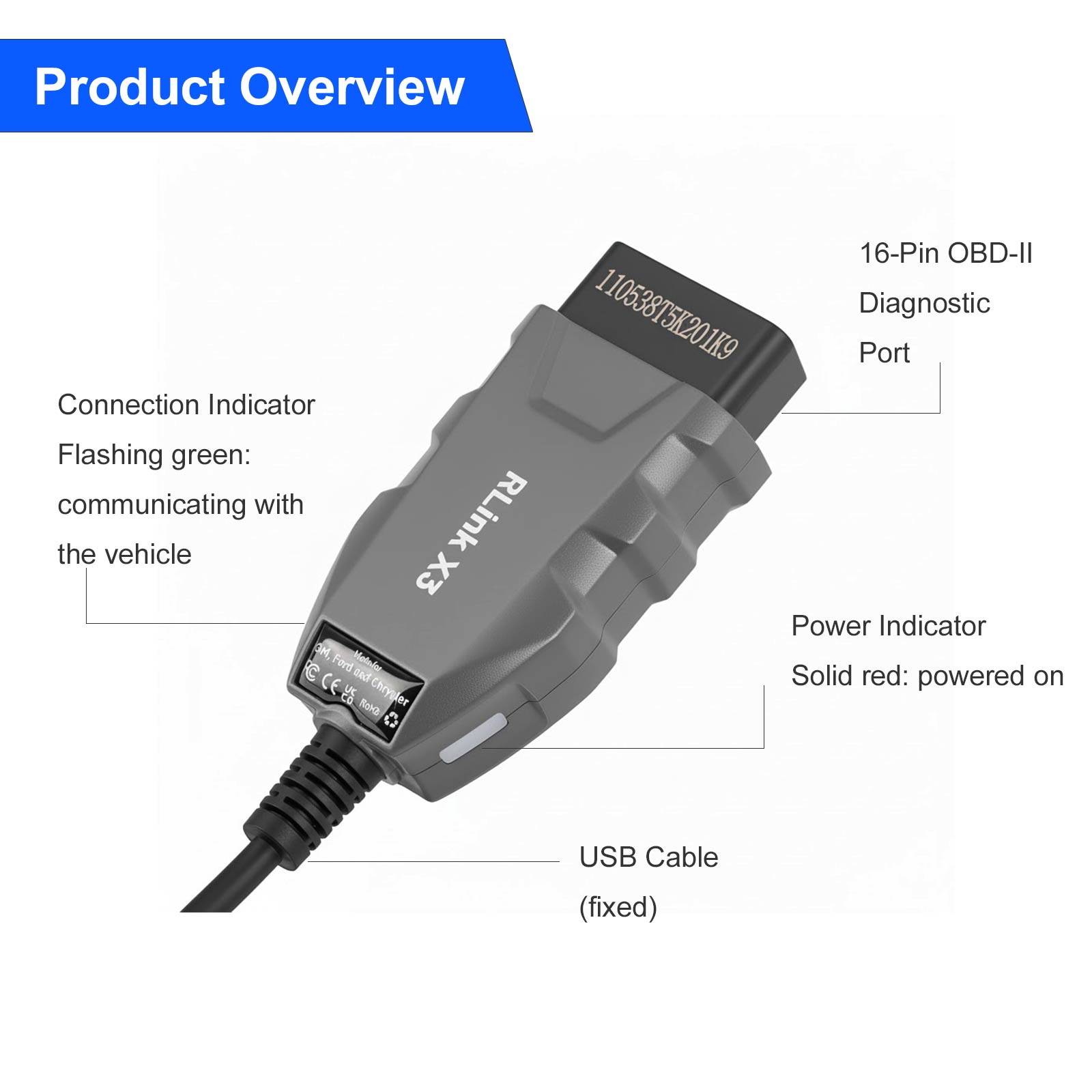
USB Cable Length: 1.8m (5.9ft)
Working Temperature: -10 ℃ ~ 50 ℃ (14 ° F to 122 ° F)
Storage Temperature: -20 ℃ ~ 70 ℃ (-4 ° F to 158 ° F)
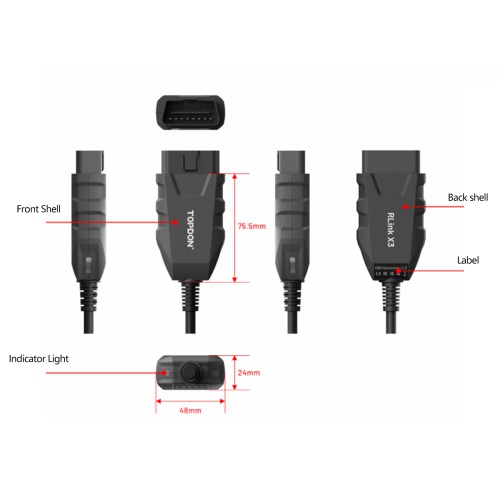
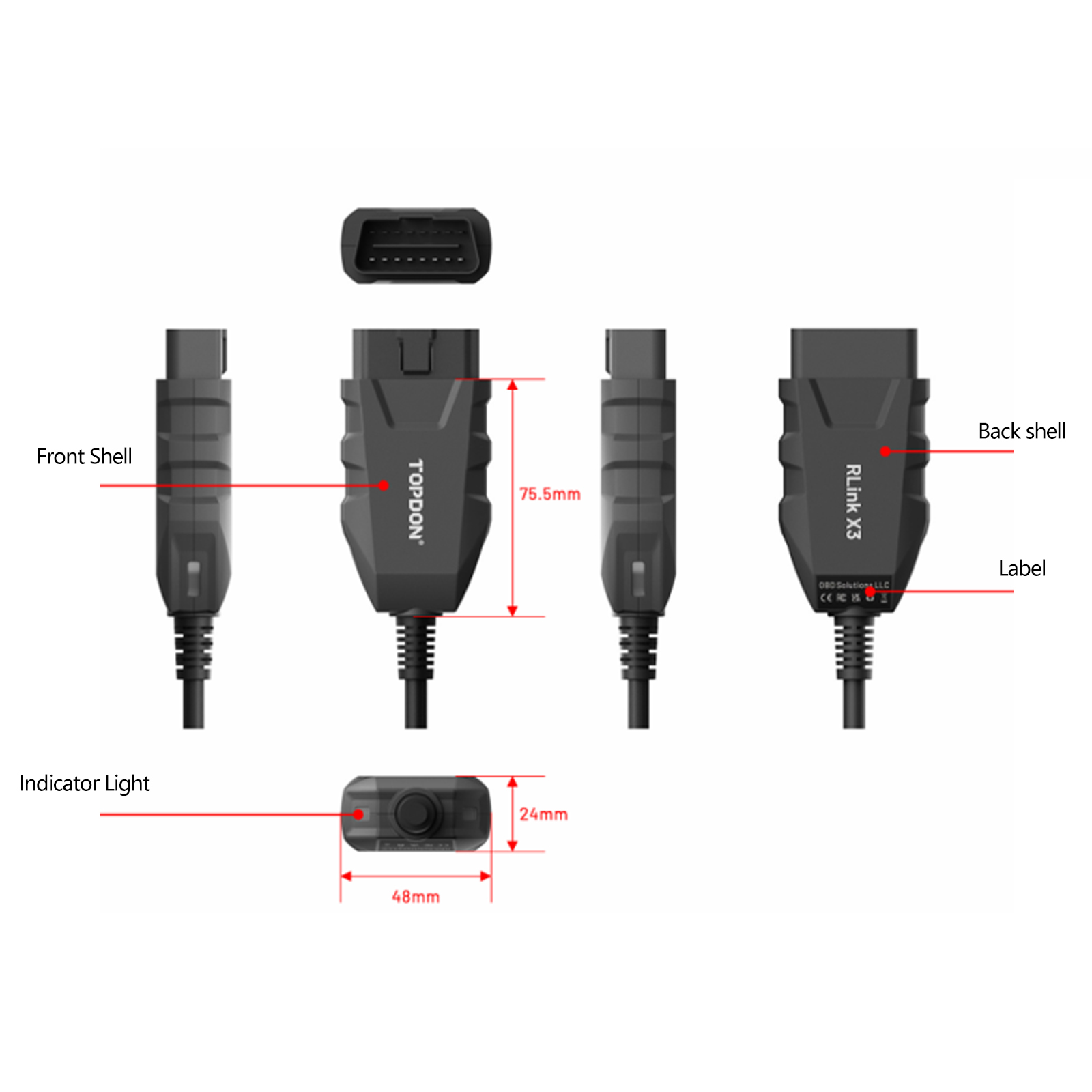
Dimension: 92 * 48 * 24mm (3.62 * 1.89 * 0.95 inch)
RLink X3 Package List:
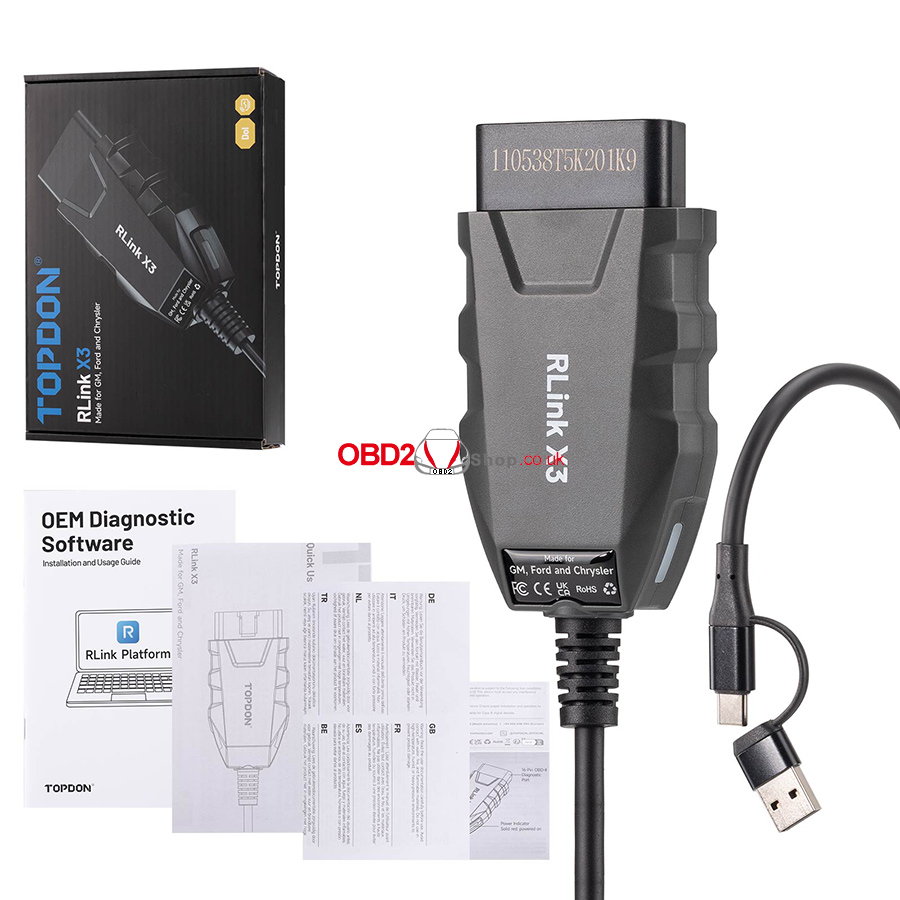
1pc x RLink X3 Adapter cable
1pc x Quick User Guide
1pc x Warranty Card
1pc x Usage Guide
1pc x Safety Warning Label


Hot Branded Products:








Shipping method and delivery time:
UK Shipping (No Tax) : 2-4 working days arrive. For products marked " UK Ship " and UK local customer
EU shipping (No Tax) : 5-7 working days arrive. For products marked " EU Ship " and from EU countries, if not belong to EU, need to clearance
Yodel (No Tax) : 5-7 days arrive . For products UK out of stock, and customers from UK
Yun Express ( No Tax) : 5 - 9 working days to UK, 7-14 days to other European Countries.
Yanwen (No Tax) : 5 - 9 working days to UK, 7-14 days to other European Countries, ship to all over the world, mainly for UK/EU warehouse no stock
DHL: need to clearance, 3-5 working days arrive. Used for UK/EU no stock, customers request ship this way. Need to clearance, we will declare a low price on the invoice help to clearance.
If you have any questions about the device, the price, or the payment, please feel free to contact us.
Contact Person: Elyza
Whatsapp: +86 13983755934
Telephone: +86 13983755934
Wechat: +86 13983755934
Official Email: Sales@obd2shop.co.uk