Newsletter
How to Use the Keydiy KD-MP Specific Soldering-Free Clip
Matched product:

Keydiy MP Dedicated Solder-free Wire Adapter Clip for KD-MP MLB MQB48 Tool
Latest price:£20£195% off
- Item No. SF425
- Free Shipping
This is the Keydiy MP dedicated solderless wire adapter clip for the KD-MP MLB MQB48 tool.
Step 1: Open PC Software & Locate the Wiring Diagram
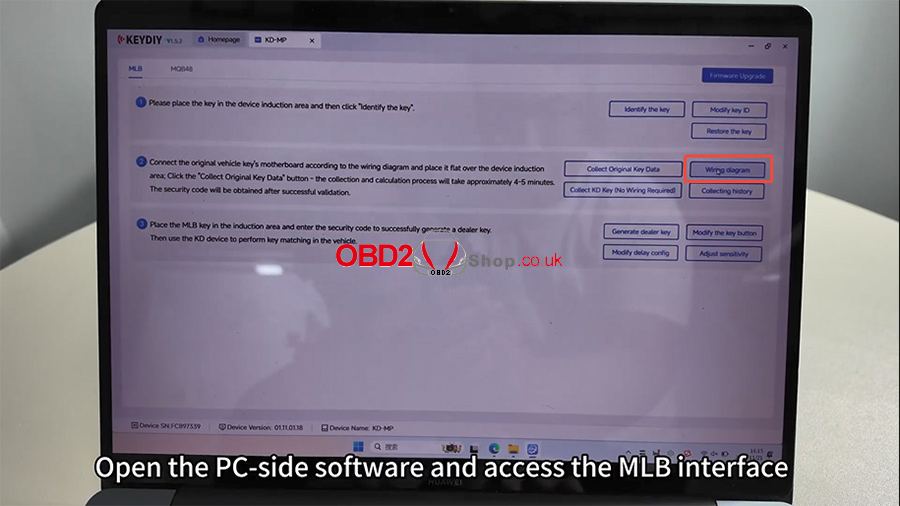
Open the Keydiy PC-side software and enter the MLB interface.
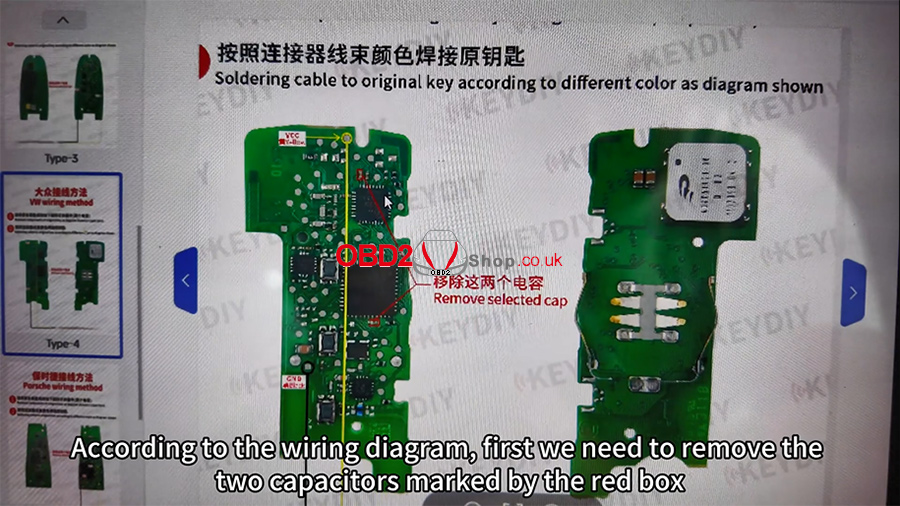
Click [Wiring diagram] and locate the diagram corresponding to the Touareg PCB.
According to the wiring diagram:
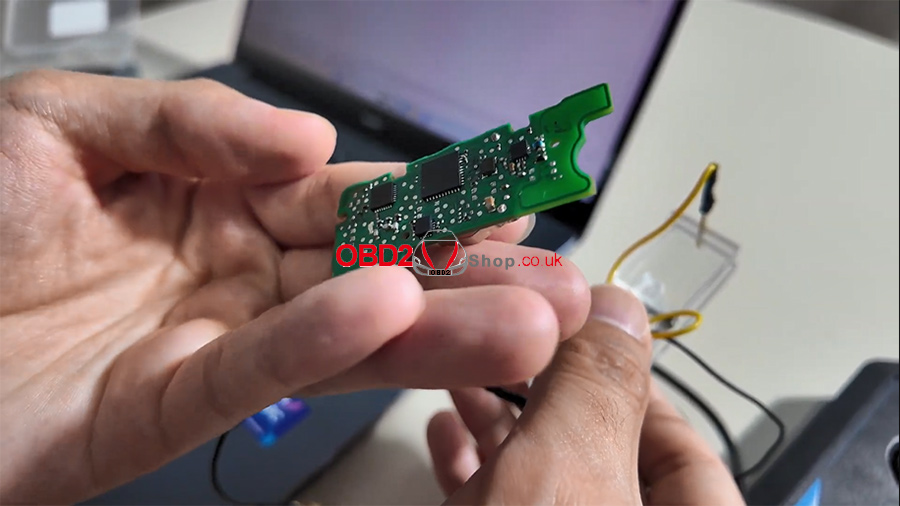
Remove the two capacitors marked in the red box.
Position the clip on the points indicated by the yellow circle and black circle.
Step 2: Attach the Clip Correctly
Follow the diagram to attach the clip:
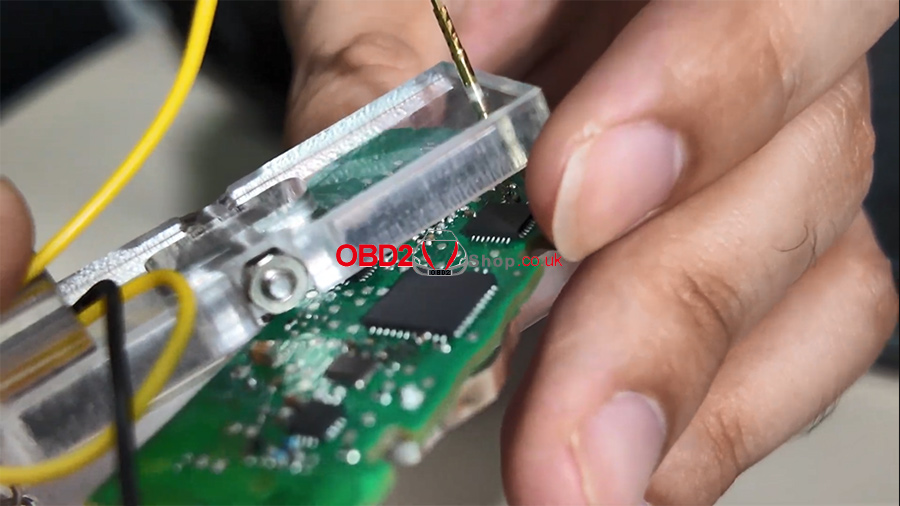
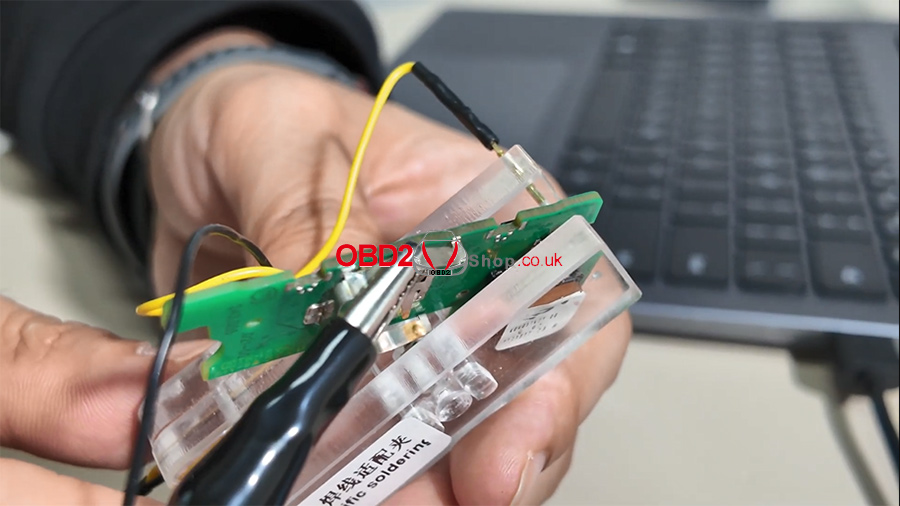
Clip the VCC pin of the soldering-free clip to the VCC location on the PCB.
Clip the black lead to the GND position.
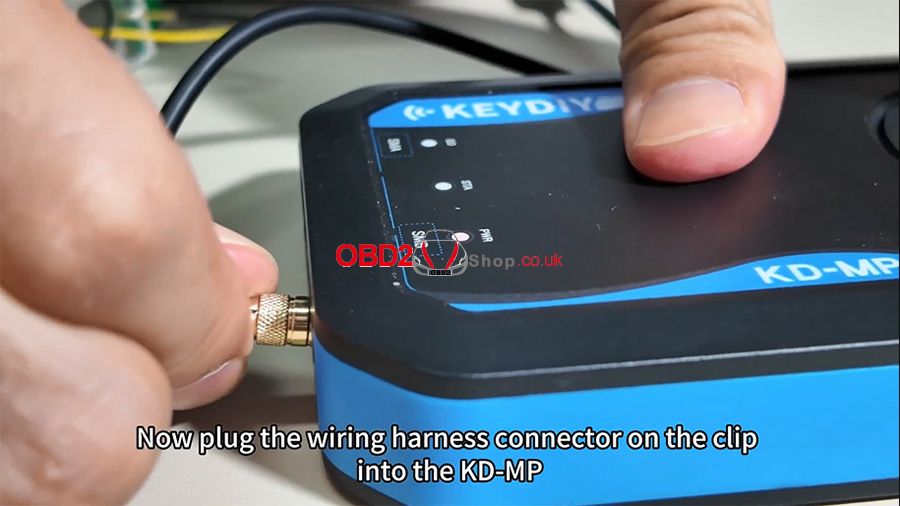
Insert the clip’s wiring harness into the KD-MP device.
Step 3: Place the PCB for Induction Reading
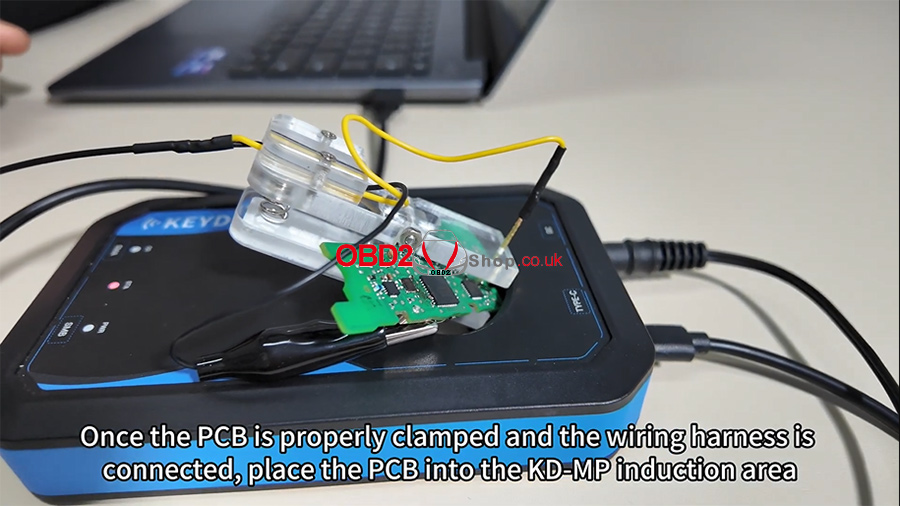
Once the PCB is clamped and the harness is connected:
Place the PCB inside the KD-MP induction area.
Close the image window on the software interface.
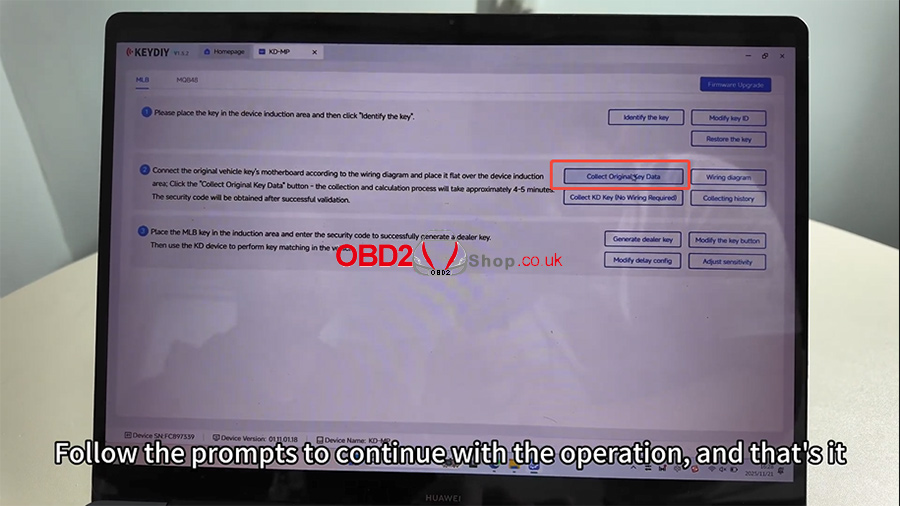
Click [Collect Original Key Data] and follow the on-screen prompts to complete the process.
For a full visual walkthrough, please check the video tutorial below:
https://youtu.be/zZFOFFLGDvg
For more tools and technical support, visit:
www.obd2shop.co.uk